
TruckTA How-to Guides1:20Captions
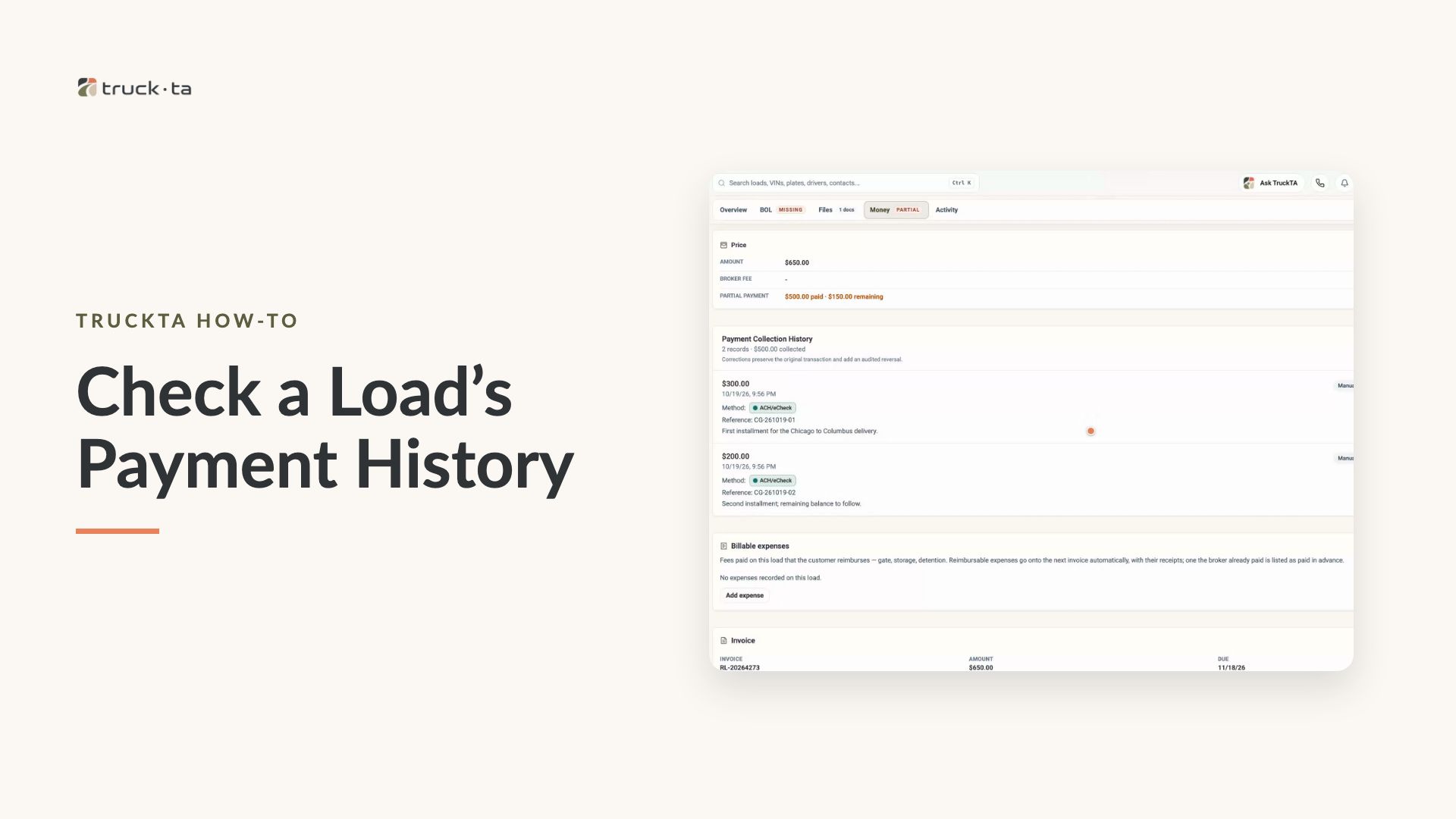
Check a Load’s Payment History in TruckTA
Find a load by order number, review its recorded payment details, and compare Load pays, Collected, and Balance in TruckTA.
Solve everyday car-hauling tasks with TruckTA: practical product videos, useful examples, and clear guides to putting each workflow into practice.
Video tutorials
21 tutorials
Find a load by order number, review its recorded payment details, and compare Load pays, Collected, and Balance in TruckTA.
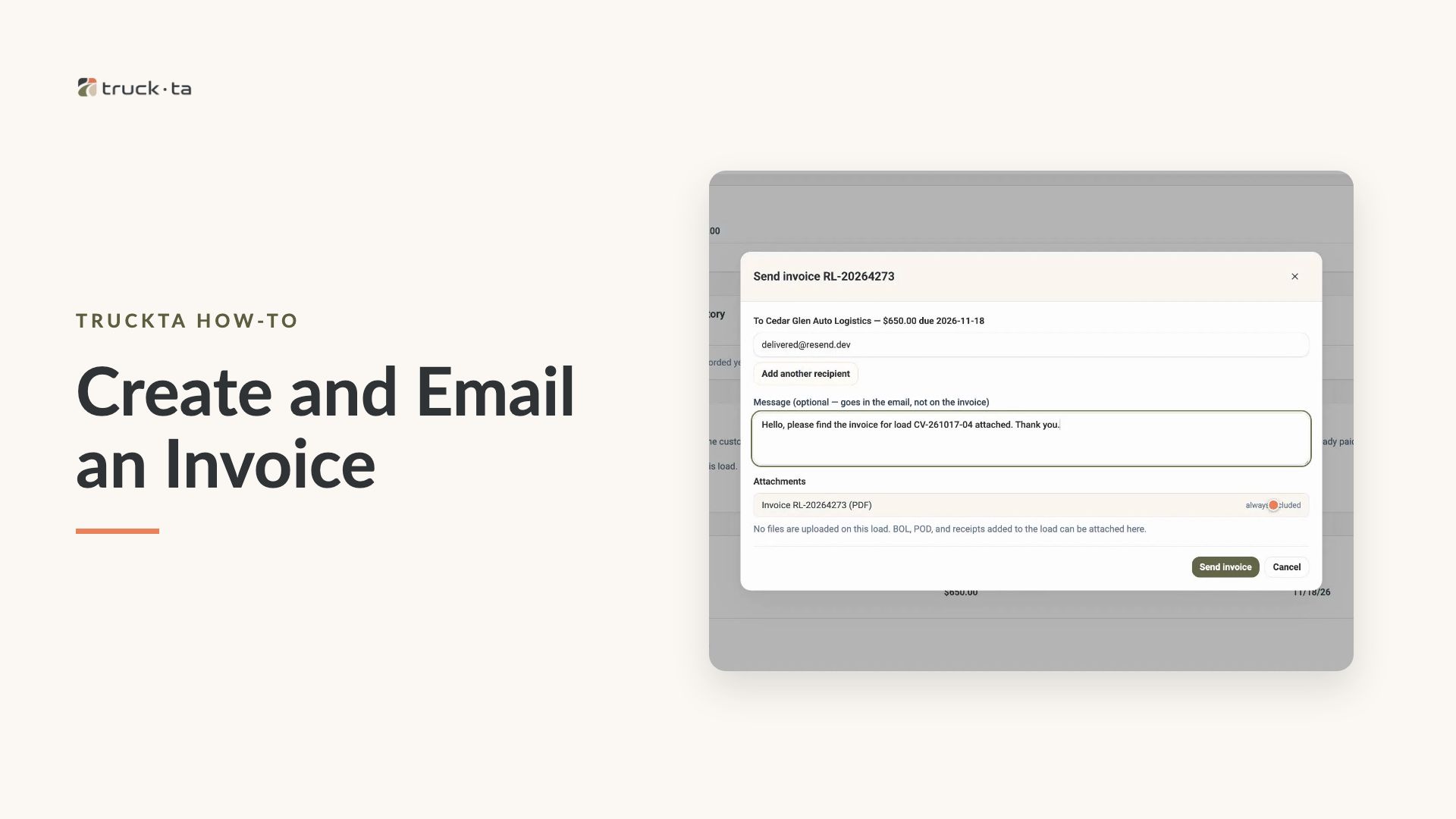
Follow the video workflow to check invoicing settings, create a draft for a delivered load, review the PDF, email the invoice, and verify its sent status in TruckTA.
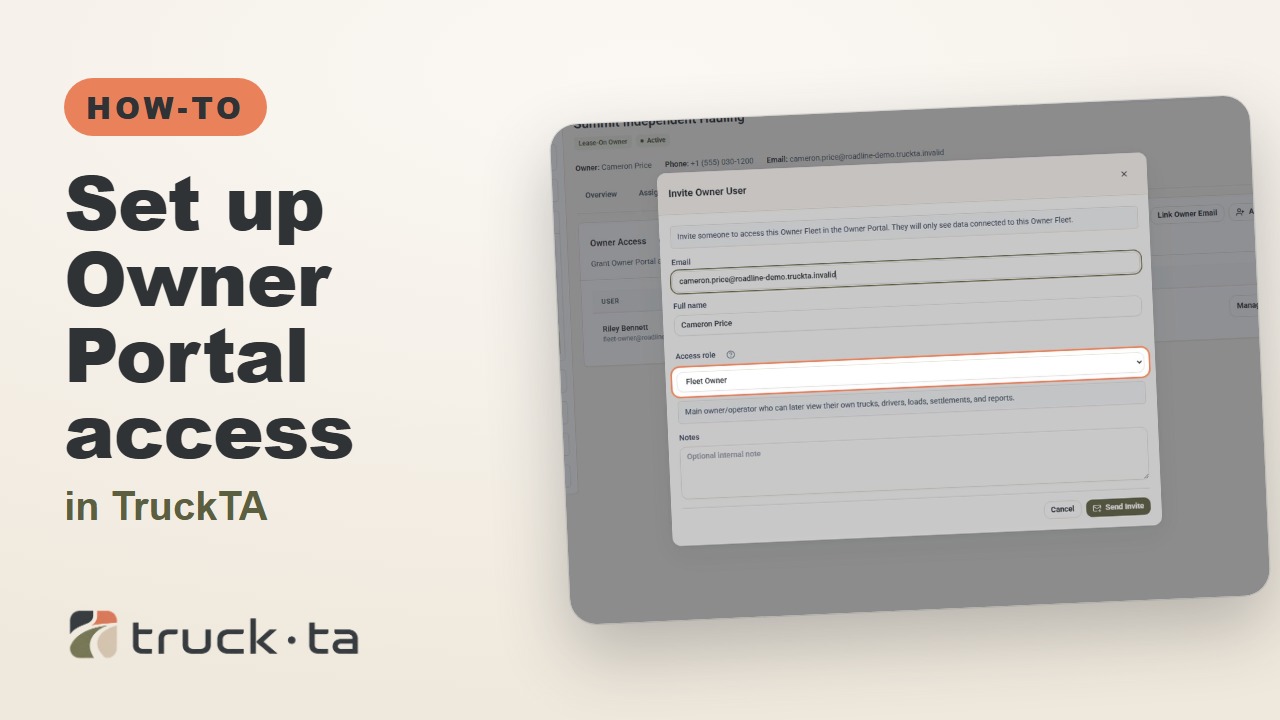
Give a lease-on owner their own TruckTA Owner Portal login. Follow the invitation, account setup, portal views, and final access check shown in the video.
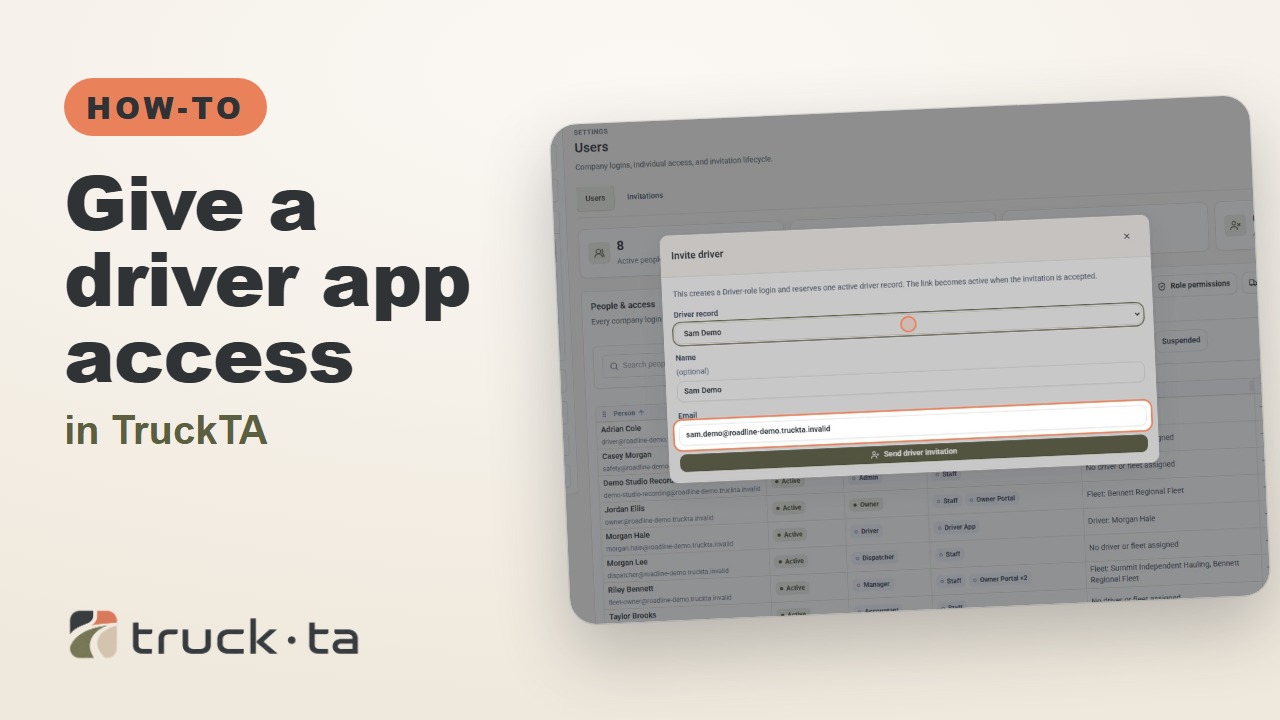
Send a personal invitation from TruckTA, then follow the driver through acceptance, app installation, and sign-in. Here’s how to confirm they’re connected to your company.
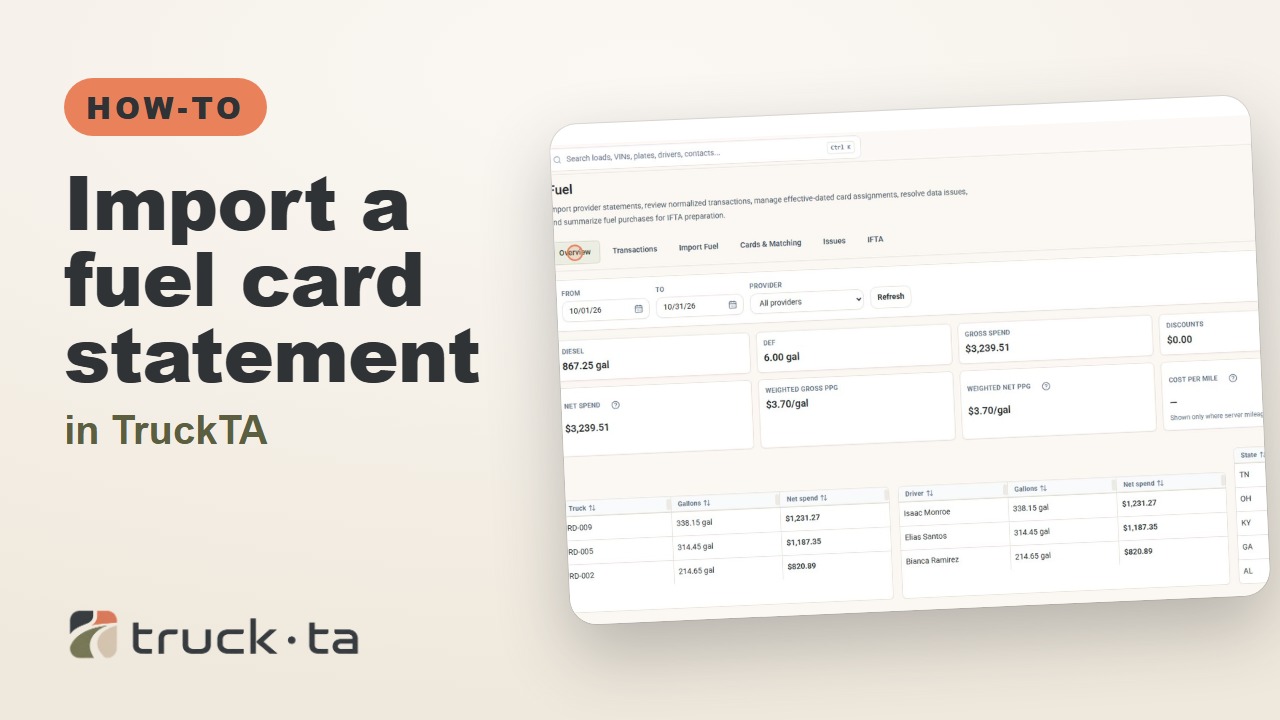
Bring a CSV or text-based PDF fuel statement into TruckTA, review the column mapping, match cards to trucks, and see purchases and totals by truck, driver, and state.
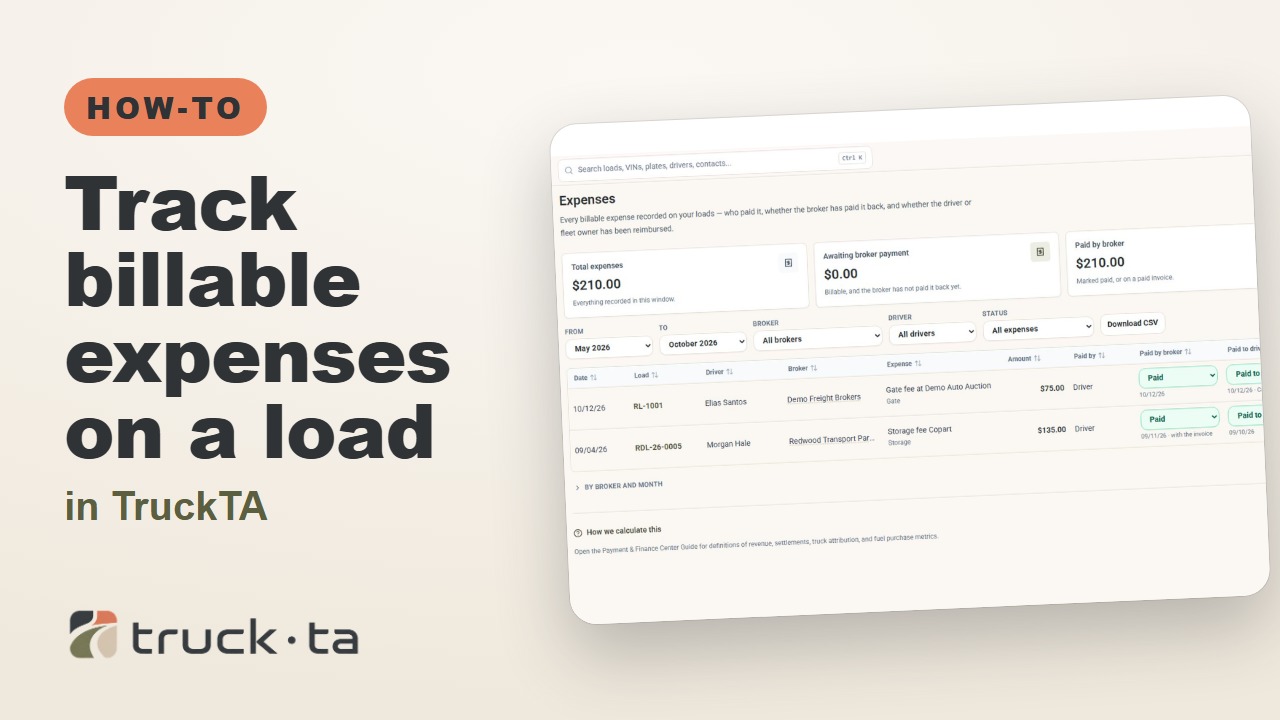
Record gate, storage, and detention fees on a load, attach the receipt to the next invoice, and track broker reimbursement separately from driver repayment in TruckTA.
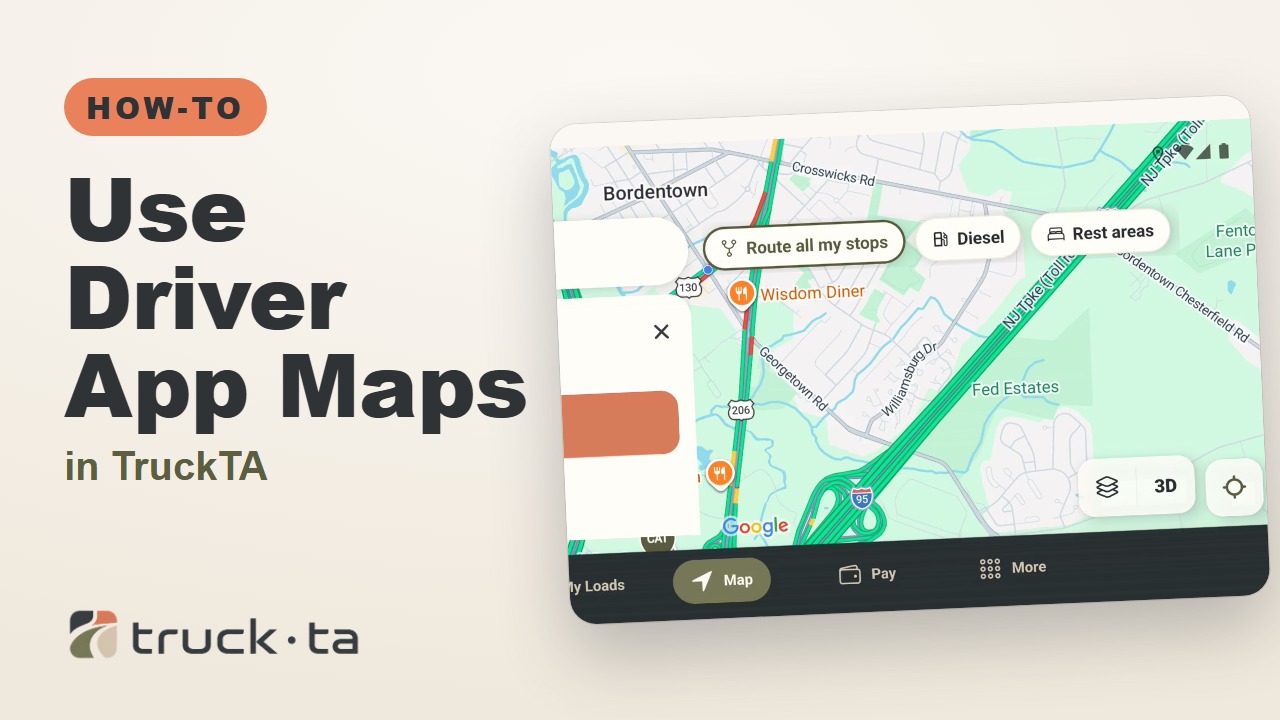
Follow the accompanying video to search destinations, enter loaded truck settings, review stops and services, and control navigation in TruckTA.
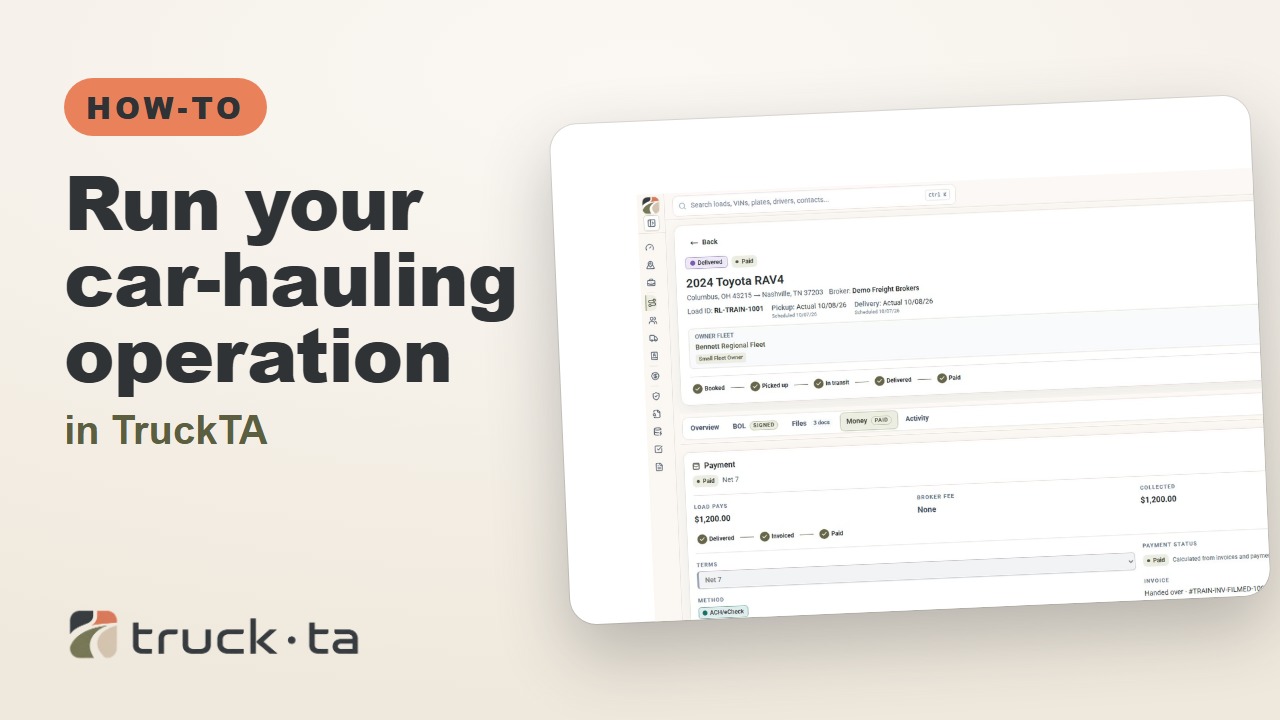
Follow a job through preparation, dispatch, driver work, financial close, and owner-operator access, with a practice checkpoint for each part of the six-part TruckTA course.
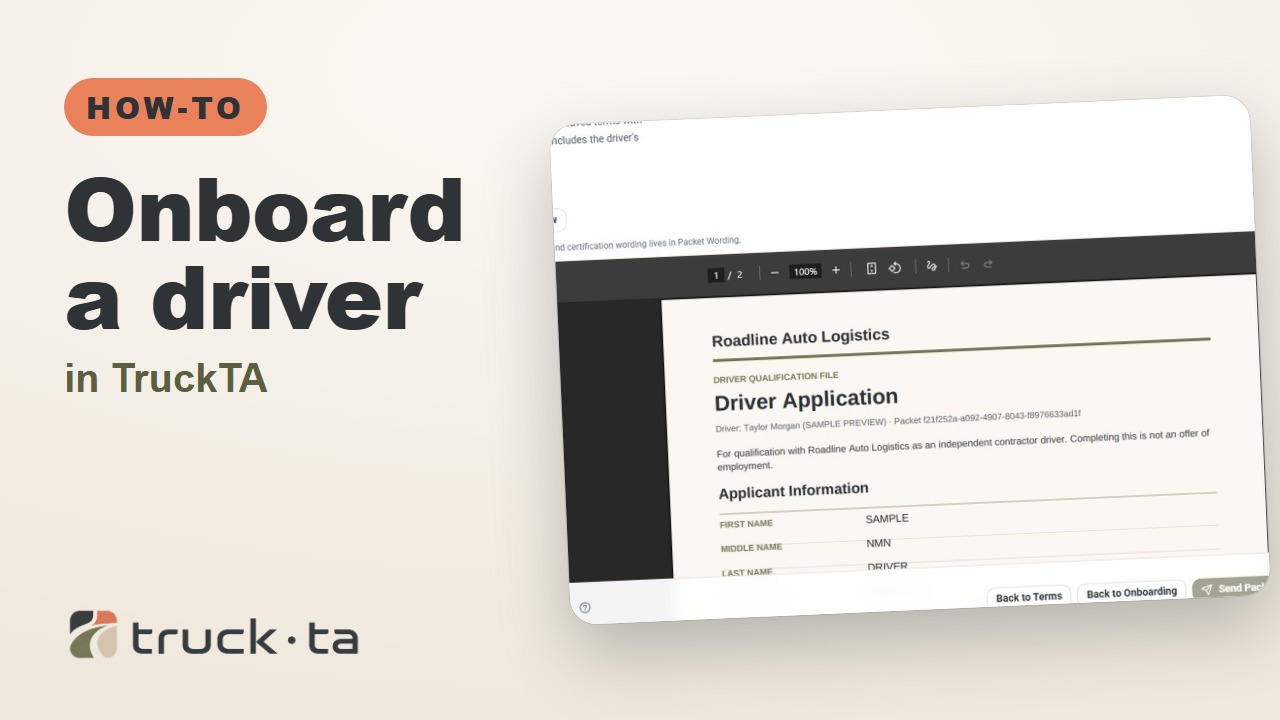
Follow the TruckTA video to prepare an applicant packet, check company-approved terms, and preview the documents. Then see how submission, review, signing, and the Driver record fit together.
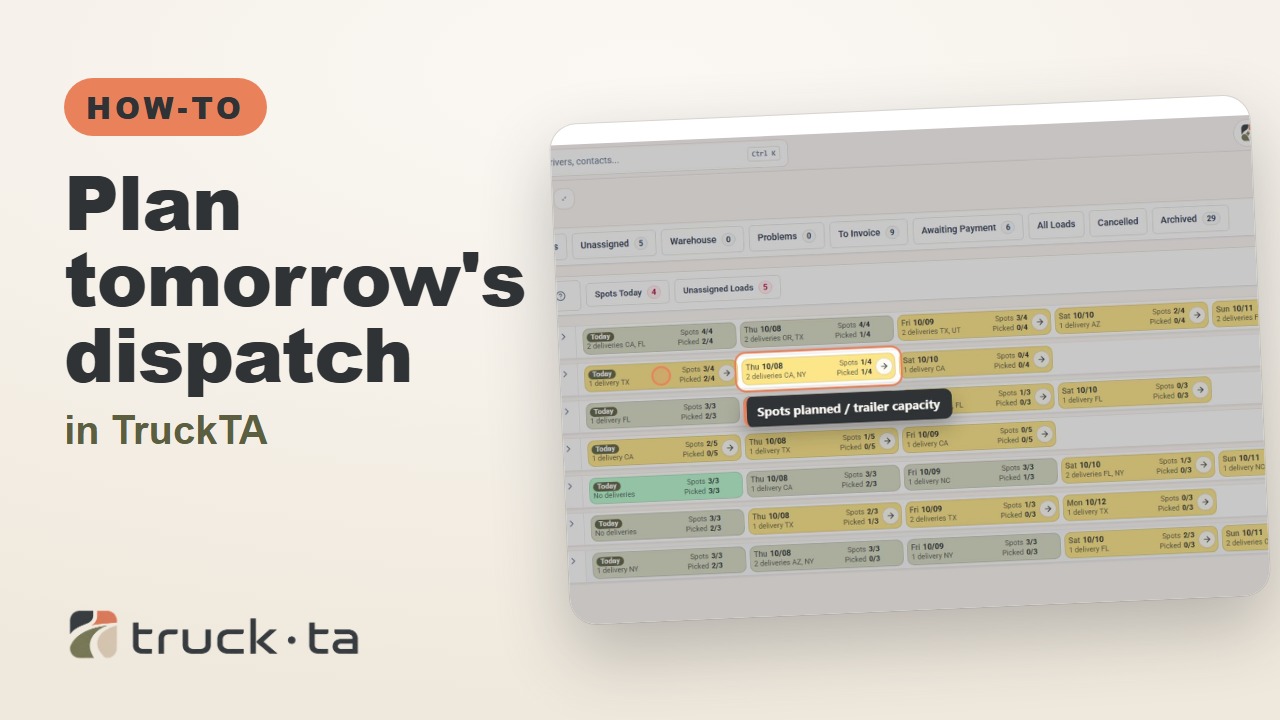
Review planned work, tomorrow’s open trailer spots, unassigned loads, and driver availability in TruckTA before assigning the next load.
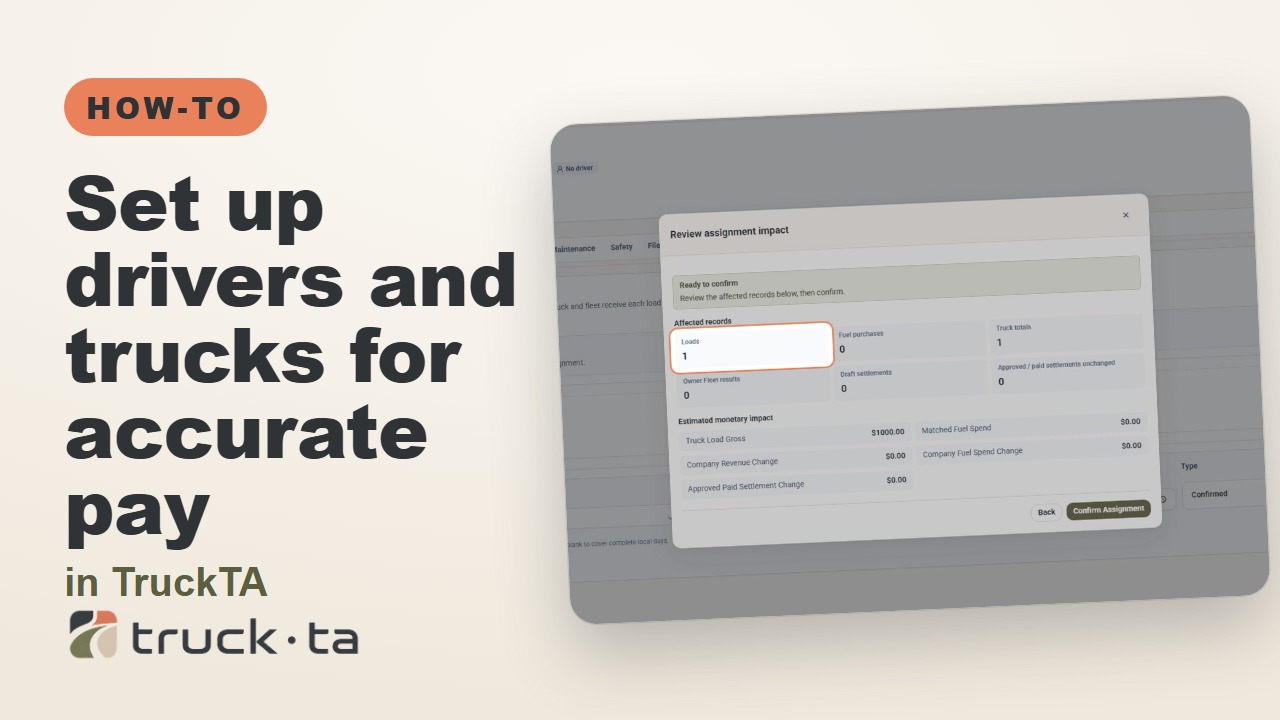
When driver pay or truck totals look wrong, check the records behind the delivery date. Follow the video’s workflow for load details, dated compensation, truck assignments, owner fleets, and saved settlements.
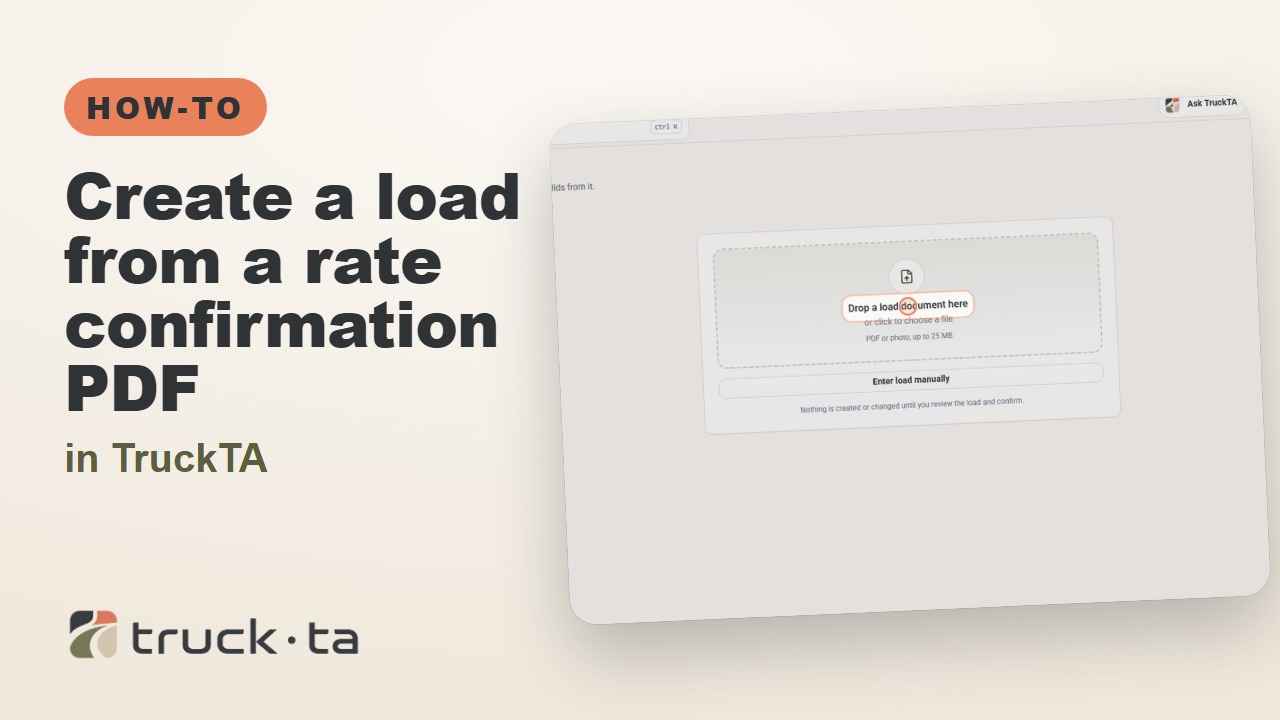
Upload your broker’s rate confirmation, review the details TruckTA reads, and confirm the import. Here’s how to create the load without entering it all by hand.