
TruckTA How-to Guides23:23Captions
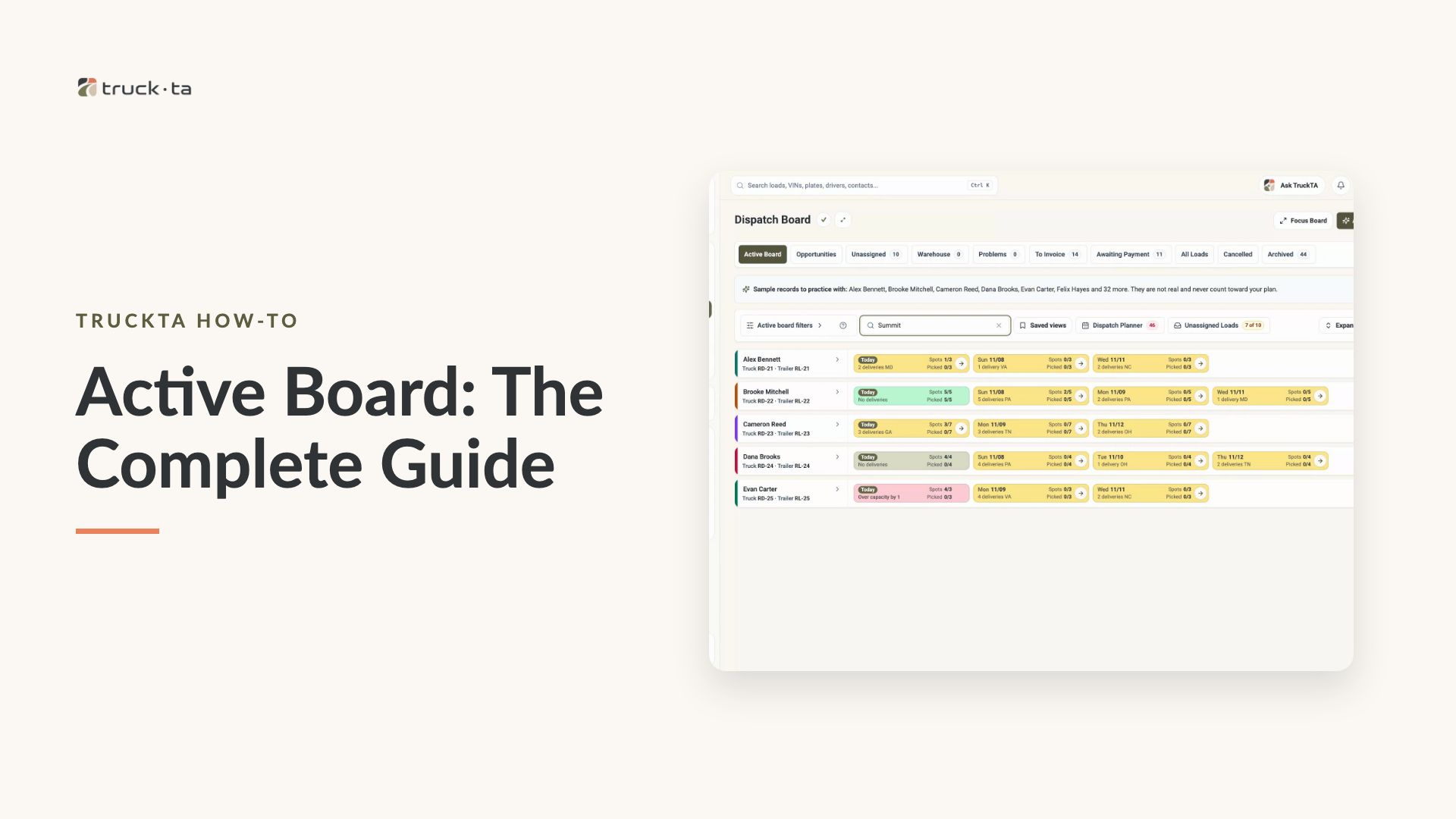
Active Board: The Complete Guide
Learn to read driver capacity, assign loads, manage status and notes, plan routes, and customize Active Board. Follow the complete walkthrough or jump to the task you need.
Solve everyday car-hauling tasks with TruckTA: practical product videos, useful examples, and clear guides to putting each workflow into practice.
Video tutorials
24 tutorials
Learn to read driver capacity, assign loads, manage status and notes, plan routes, and customize Active Board. Follow the complete walkthrough or jump to the task you need.
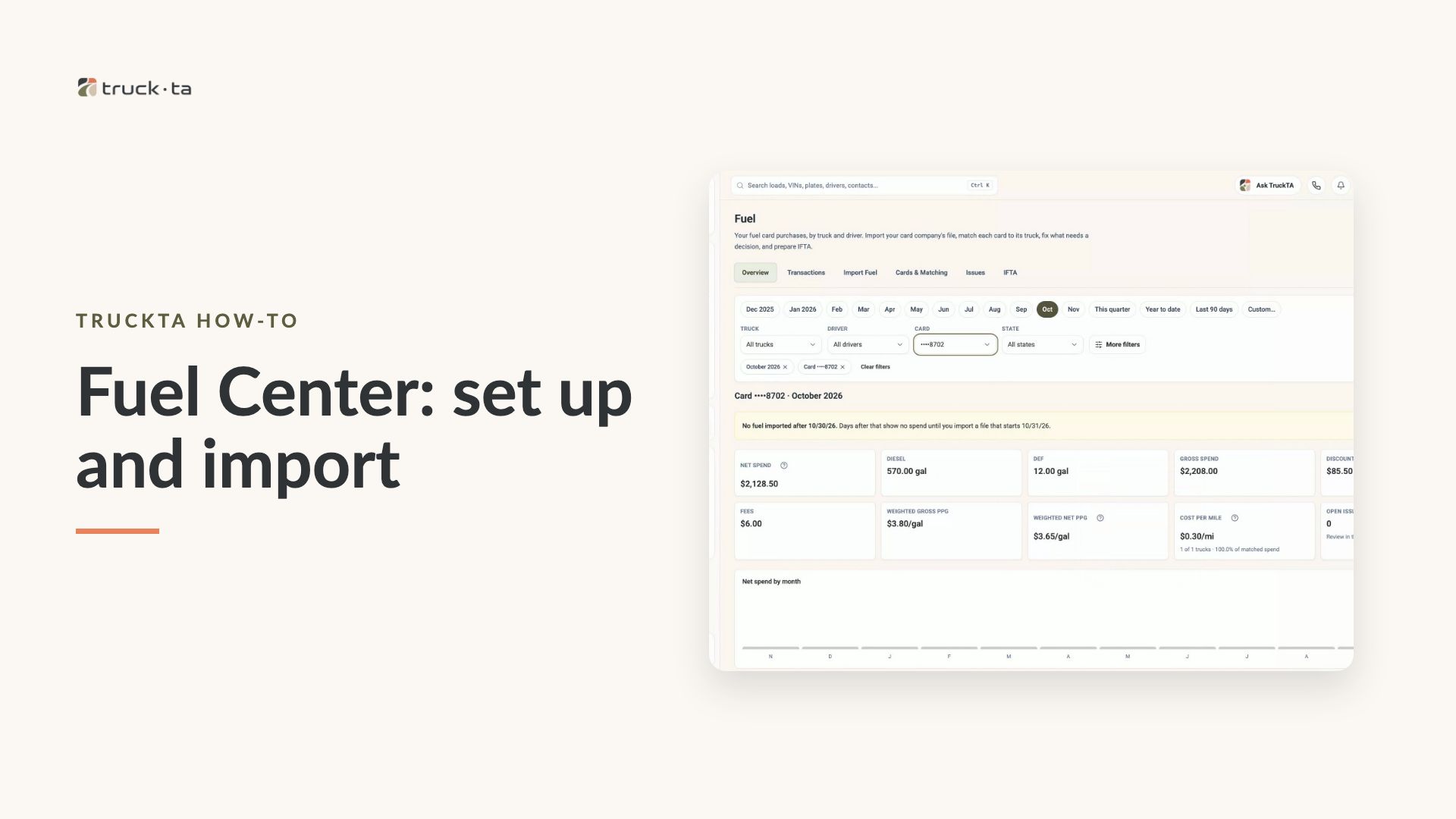
Set up fuel cards, import monthly CSV purchases, and connect each purchase to the right truck and driver using dated card periods and Equipment Assignment History.
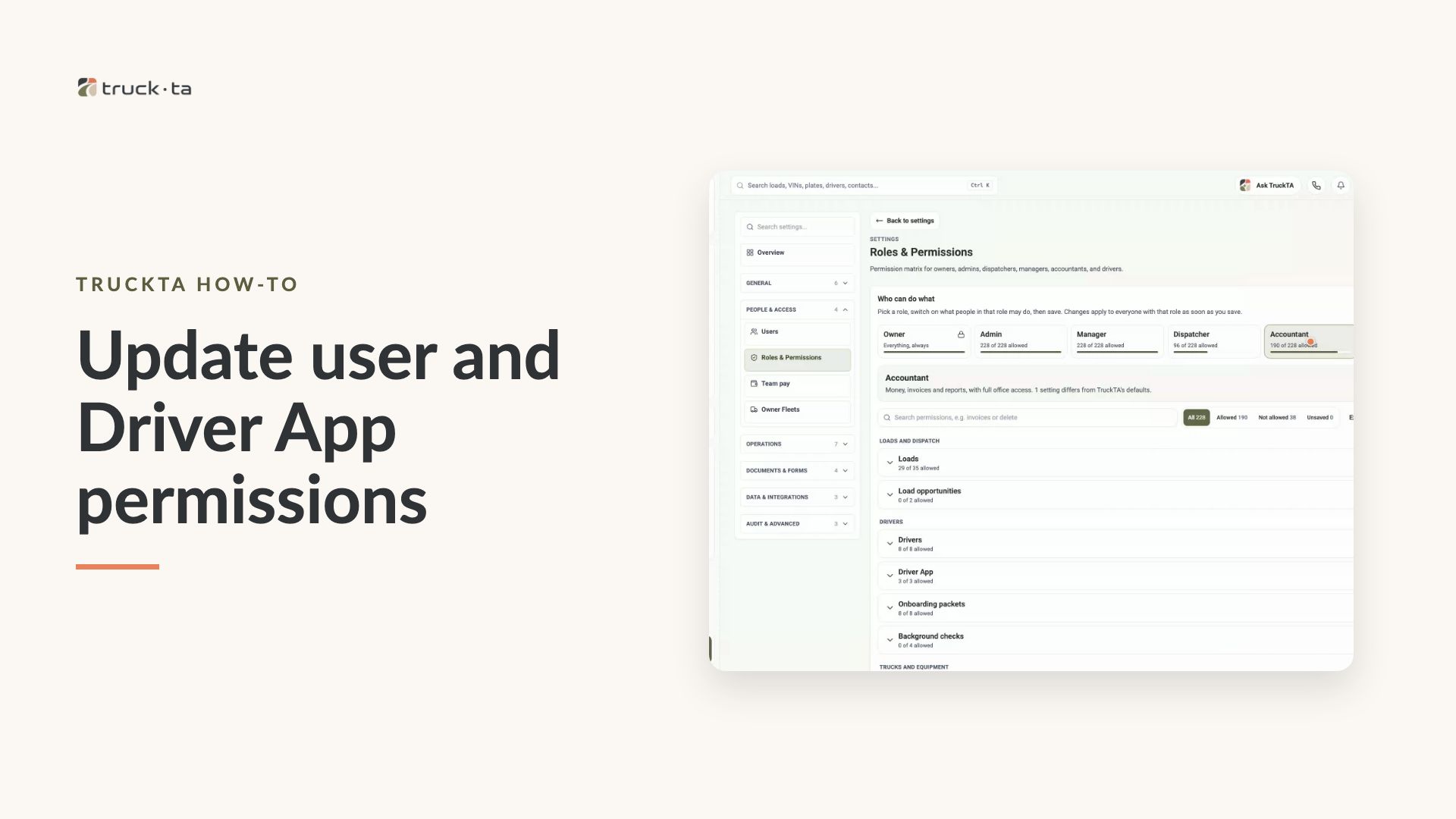
Follow the video to assign staff roles, update shared permissions, set Driver App defaults, review pay visibility, and manage individual driver overrides.
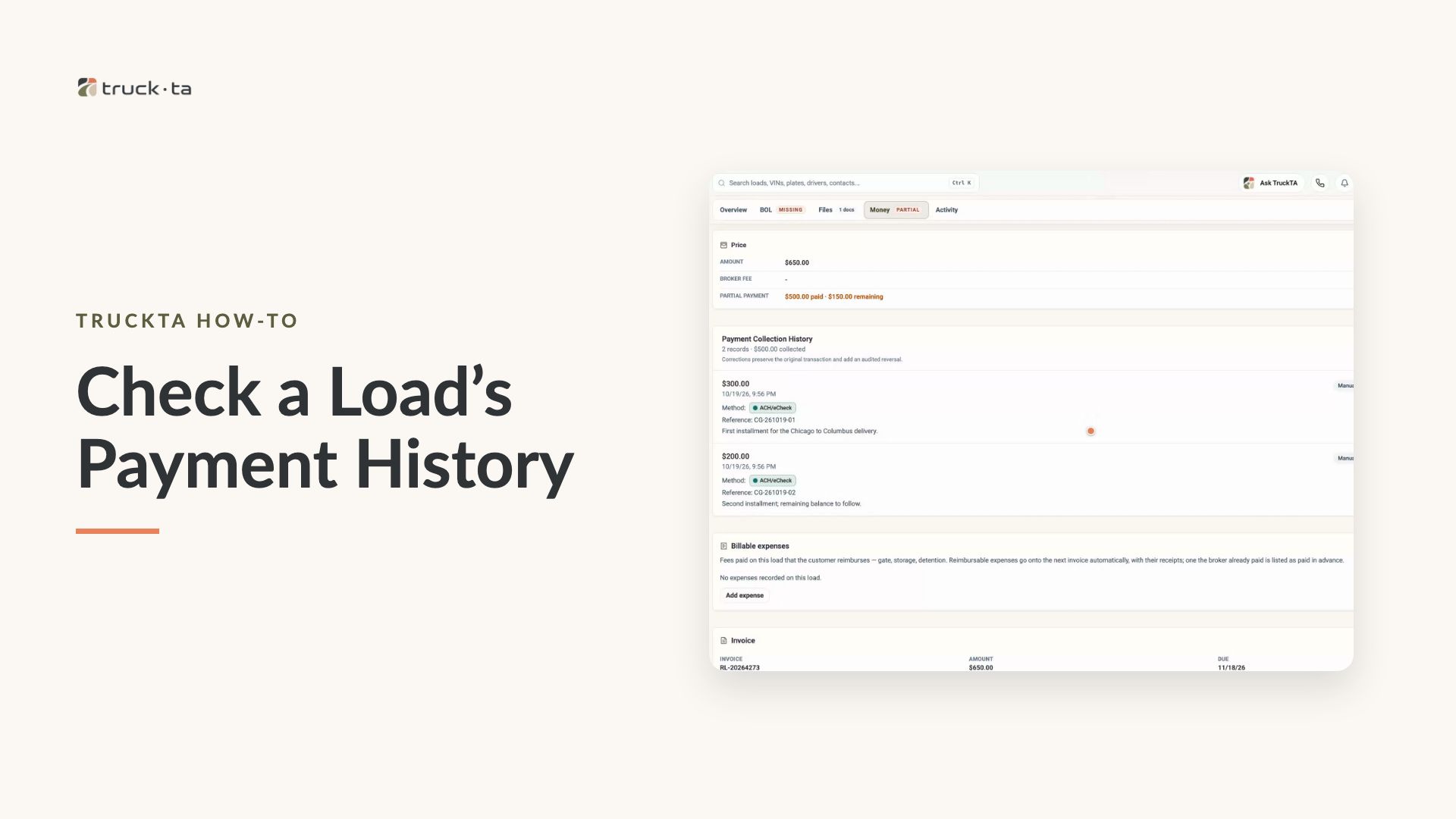
Find a load by order number, review its recorded payment details, and compare Load pays, Collected, and Balance in TruckTA.
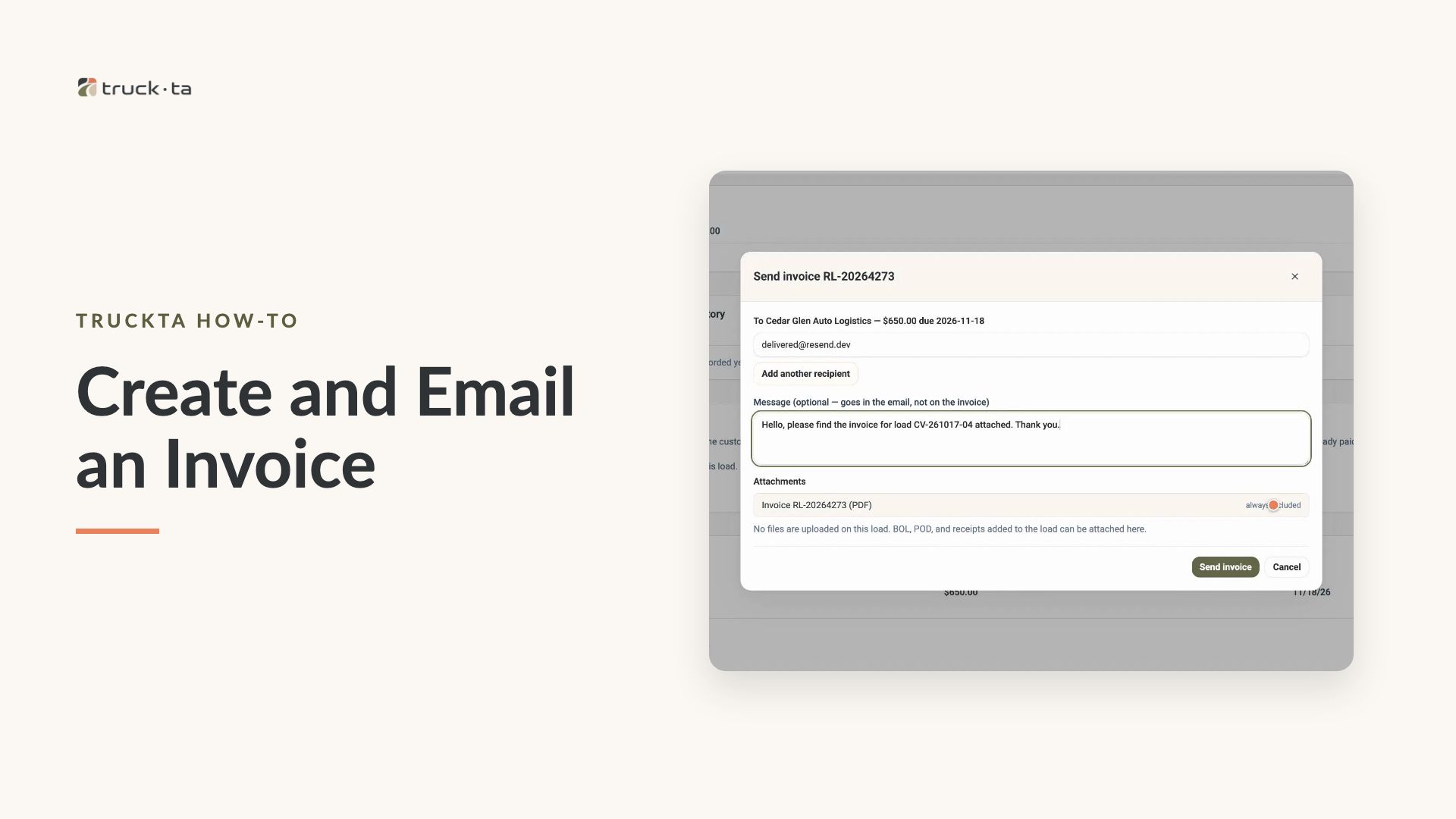
Follow the video workflow to check invoicing settings, create a draft for a delivered load, review the PDF, email the invoice, and verify its sent status in TruckTA.
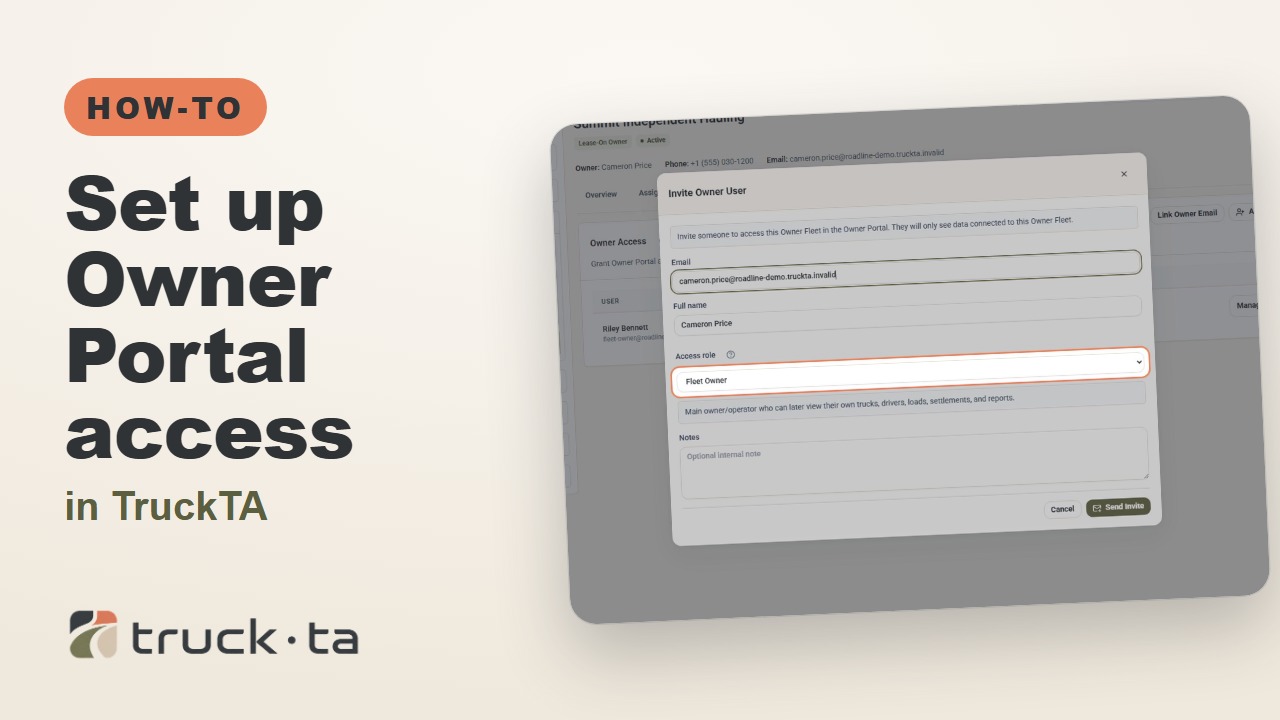
Give a lease-on owner their own TruckTA Owner Portal login. Follow the invitation, account setup, portal views, and final access check shown in the video.
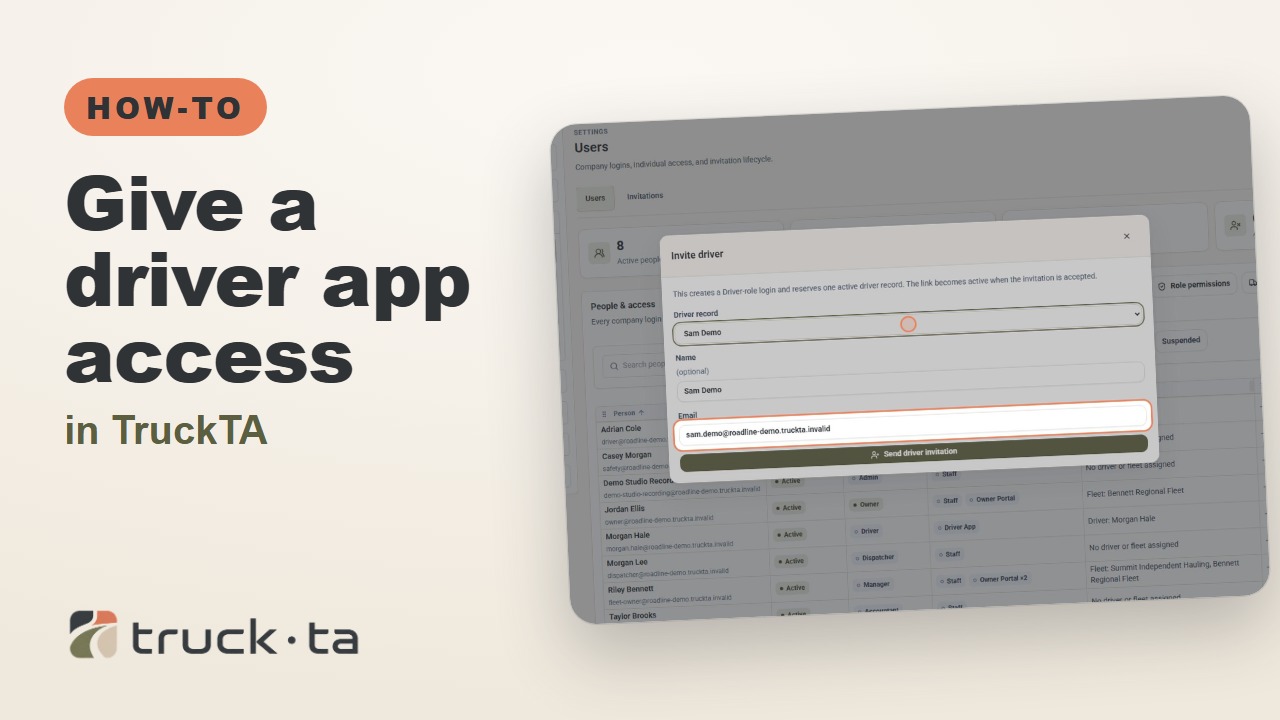
Send a personal invitation from TruckTA, then follow the driver through acceptance, app installation, and sign-in. Here’s how to confirm they’re connected to your company.
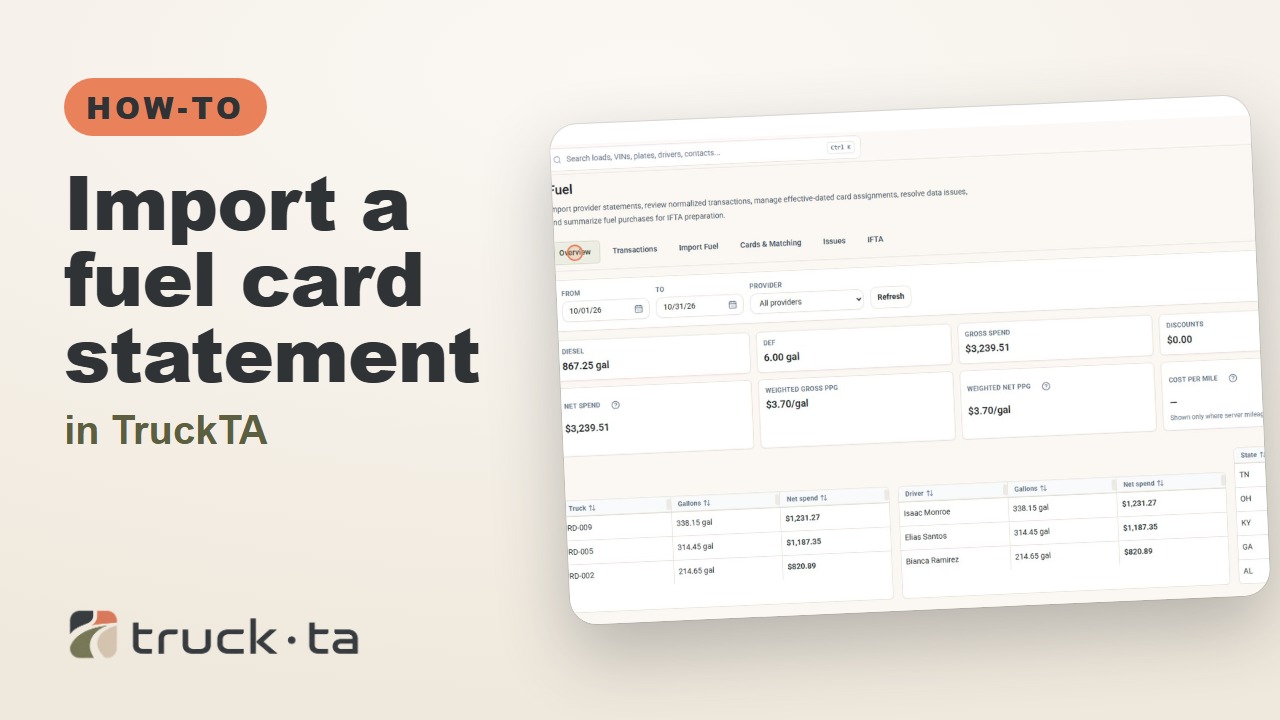
Bring a CSV or text-based PDF fuel statement into TruckTA, review the column mapping, match cards to trucks, and see purchases and totals by truck, driver, and state.
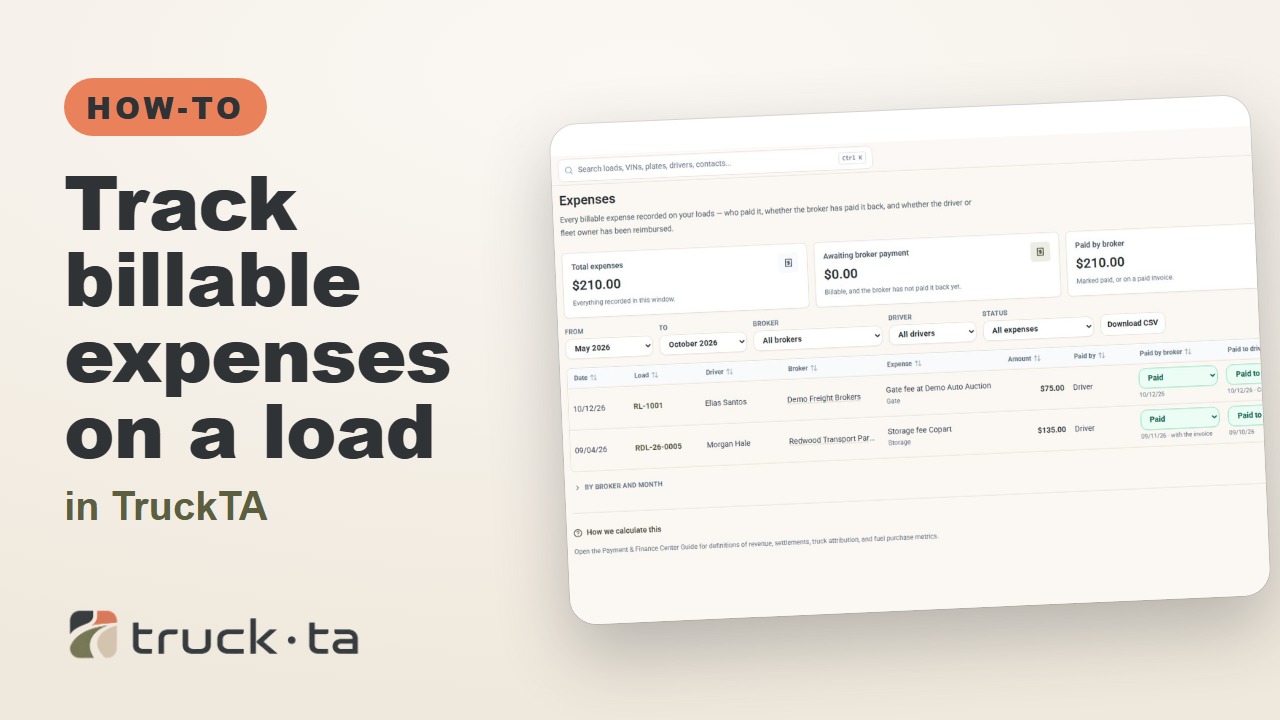
Record gate, storage, and detention fees on a load, attach the receipt to the next invoice, and track broker reimbursement separately from driver repayment in TruckTA.
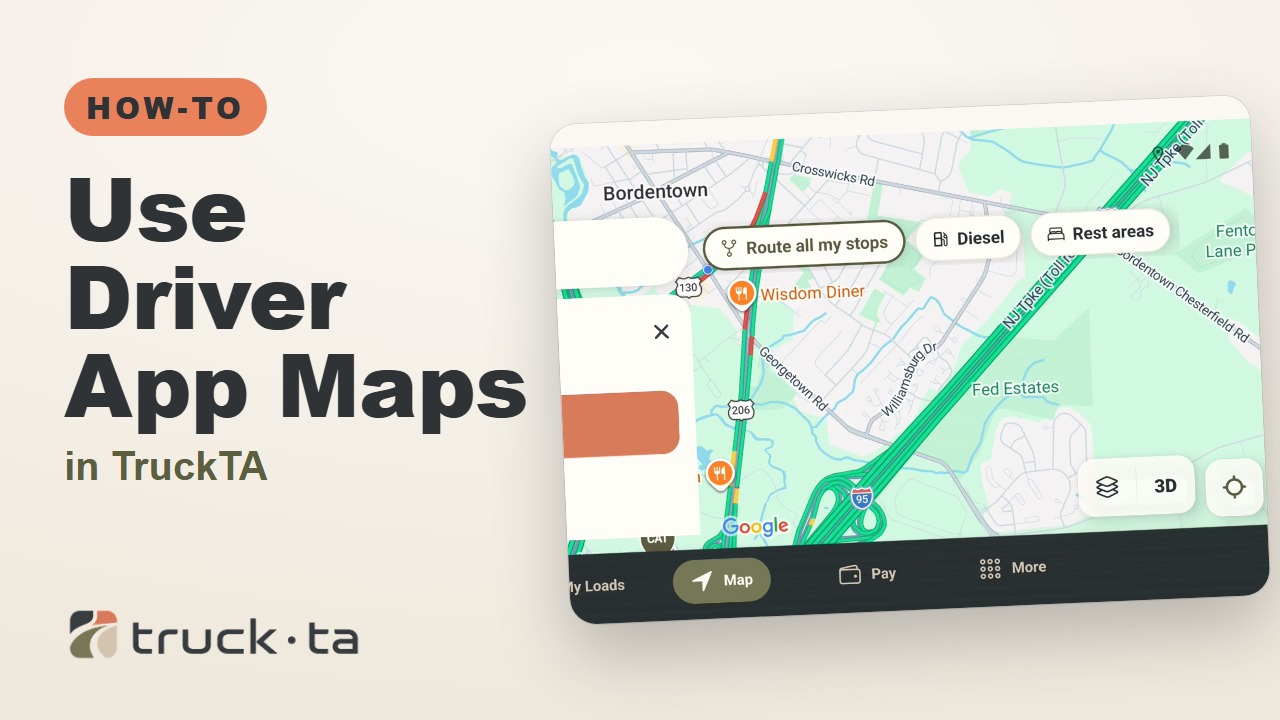
Follow the accompanying video to search destinations, enter loaded truck settings, review stops and services, and control navigation in TruckTA.
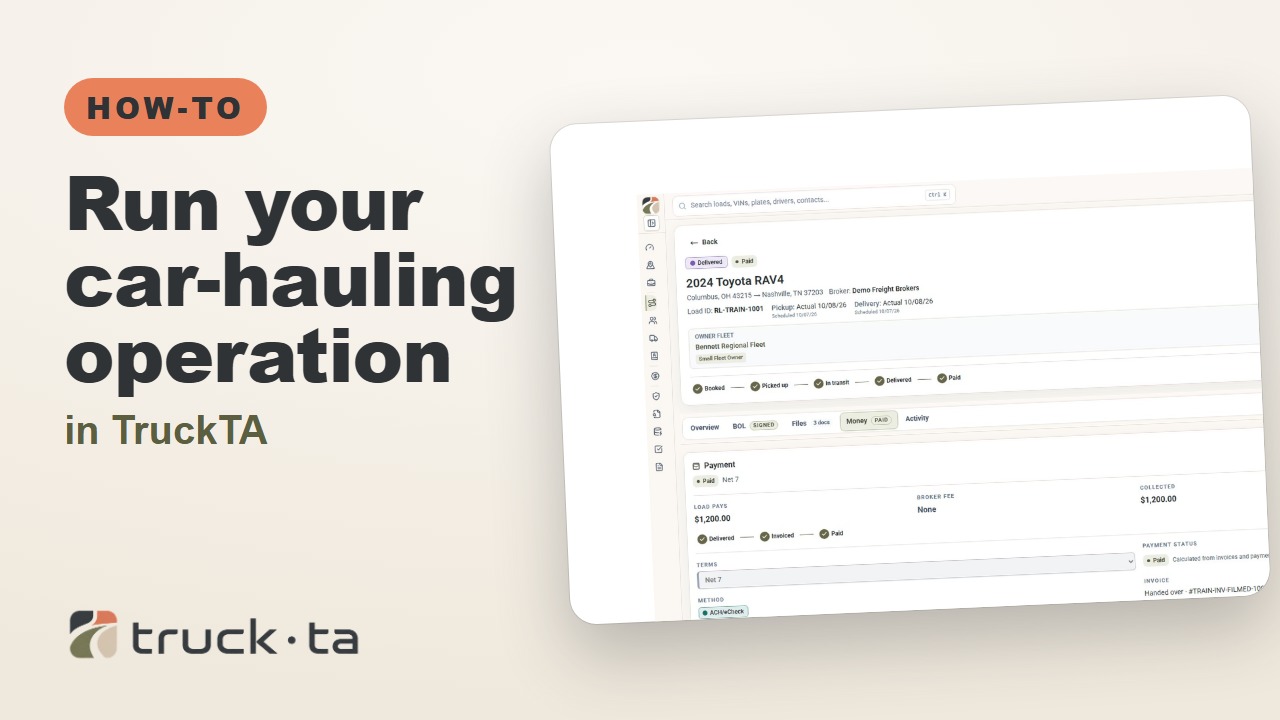
Follow a job through preparation, dispatch, driver work, financial close, and owner-operator access, with a practice checkpoint for each part of the six-part TruckTA course.
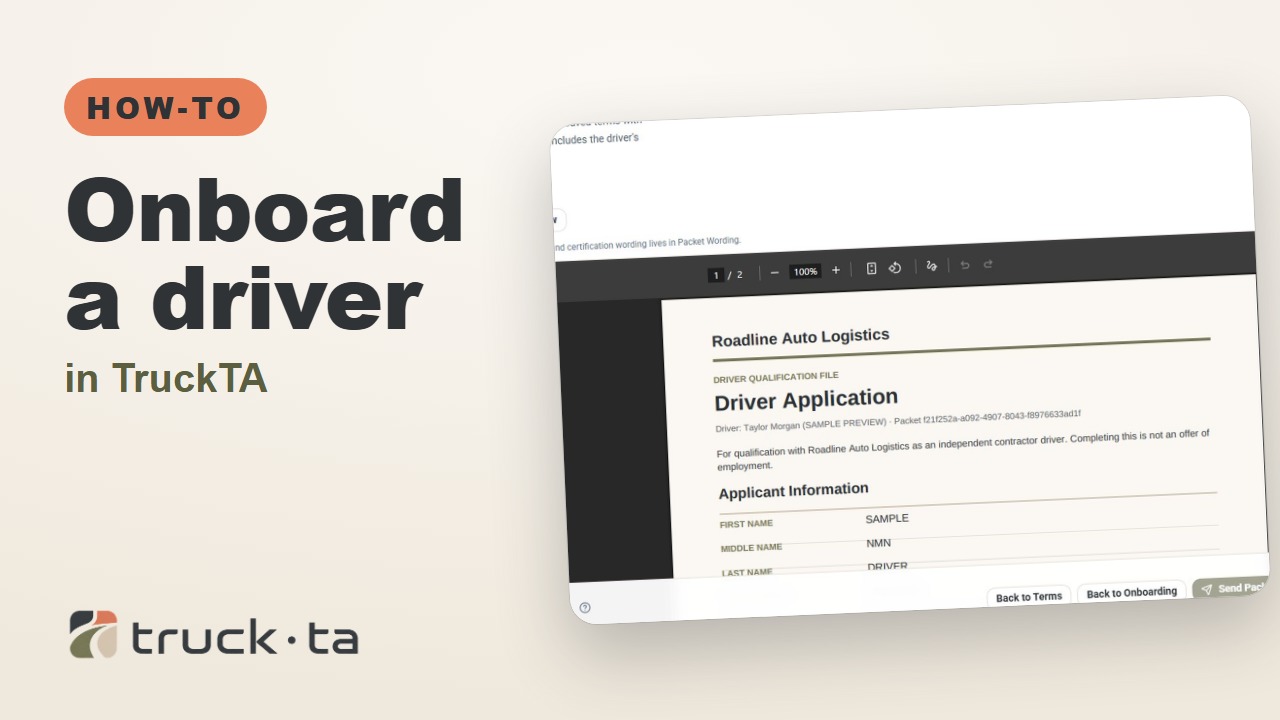
Follow the TruckTA video to prepare an applicant packet, check company-approved terms, and preview the documents. Then see how submission, review, signing, and the Driver record fit together.