
 TruckTA Driver AppiPhone · iPad · Android
The car hauler driver app, with truck GPS built in.
TruckTA is the truck driver app for car-hauling companies: Google Maps turn-by-turn navigation sized for a car hauler, VIN-scan vehicle inspections and signed eBOLs, assigned loads, paperwork and pay — on the driver's phone and connected to dispatch.


Point your phone camera at the code.
Free download. Drivers sign in with their company invitation.
Free download. Drivers sign in with their company invitation.
- Truck-safe routes
- Up to 10 stops
- Weigh stations
- Lock-screen turns
- VIN scanning
- Guided photos
- Damage diagram
- Customer signature
- Shareable eBOL
- Collect on delivery
- BOL & POD uploads
- Document scanner
- Weekly pay
- English · Español · Русский
Vehicle inspections and electronic BOLs, done at the car.
When the company turns on Vehicle inspections & eBOL, every assigned vehicle gets a guided pickup and delivery inspection on the driver's phone, and the signed report becomes the BOL the customer receives.
Scan the VIN
Live barcode scanning checks the VIN against the load. When it matches, one tap starts the photos.
Walk around with the guided camera
The camera prompts every shot in the order you walk — VIN, odometer, keys, then one lap — and warns about blur or low light.
Mark damage on the diagram
Tap or draw damage right on the vehicle. At delivery the pickup marks come prefilled, so new damage stands out.
Sign and share the BOL
The customer signs on the driver's phone, and the signed BOL goes to them by text or email with a link to the online report.
- Delivery starts from the signed pickup record
- Saved driver signature for one-tap signing
- Signed PDF with a QR code to the online report
- Customer, broker and company templates
- Signing screens stay in English for the customer
Every assigned load, stop and payment in one place.
Drivers open the app to the work in front of them. The company decides when loads appear, whether prices show, and which status updates and uploads drivers can make.
- My Loads groups work by status, problem loads first, with pickup and delivery windows, route, vehicles and VINs.
- Open route and Call next stop sit on every load.
- Ready, Picked up, Delivered: one tap at a time. Delivered asks for confirmation, and nothing moves backward.
- Collect on pickup or Collect on delivery: record the payment and mark the load in the same step.
- Warehouse legs for local drivers, with the company warehouse as the drop-off.
- Lose signal mid-update? Status changes and uploads retry on their own, without recording anything twice.
Paperwork and pay, without the phone calls.
Paperwork from the dock, not a text thread.
- Pickup and delivery photos, BOLs and PODs from the camera, the photo library (up to 20 at once), files or the document scanner where it is switched on.
- CDL, medical card, truck and trailer documents with their expiration status.
- Documents the company shares with its drivers.
- Uploads that meet a weak signal wait and retry by themselves.
A clear view of the week's pay.
- Weekly delivered loads and driver-pay estimates.
- Approved settlement statements, read-only.
- Only when the company turns it on. Editing, approving and paying stay with the office.
In the language your drivers read best.
Each driver picks English, Spanish or Russian in the app. Signing screens stay in English, because the customer is the one reading and signing.
Drivers set up in three steps. The office stays in control.
Each driver is linked to their company profile and permissions, so the app shows only their own loads, documents, equipment and the pay information their company allows.
- 01
Invite the driver
Send a personal invitation from Drivers › Driver App in TruckTA.
- 02
Install TruckTA
From the App Store or Google Play, on iPhone, iPad or Android.
- 03
Sign in and drive
The driver signs in with the invited email and follows the app's notification and location prompts.
Set once in Drivers › Driver App
- When loads appear: after dispatch by default, or after pickup or delivery
- Which status updates and uploads drivers can make
- Whether drivers see load prices and pay
- Vehicle inspections & eBOL, with owner acceptance of the eBOL terms
- Per-driver overrides in Users
- Location for dispatch's live map, shared only after the driver allows it on the phone
The Driver App works with the rest of TruckTA: dispatch, the live map, documents and compliance and driver settlements. See how it fits your drivers and car-hauling carriers.
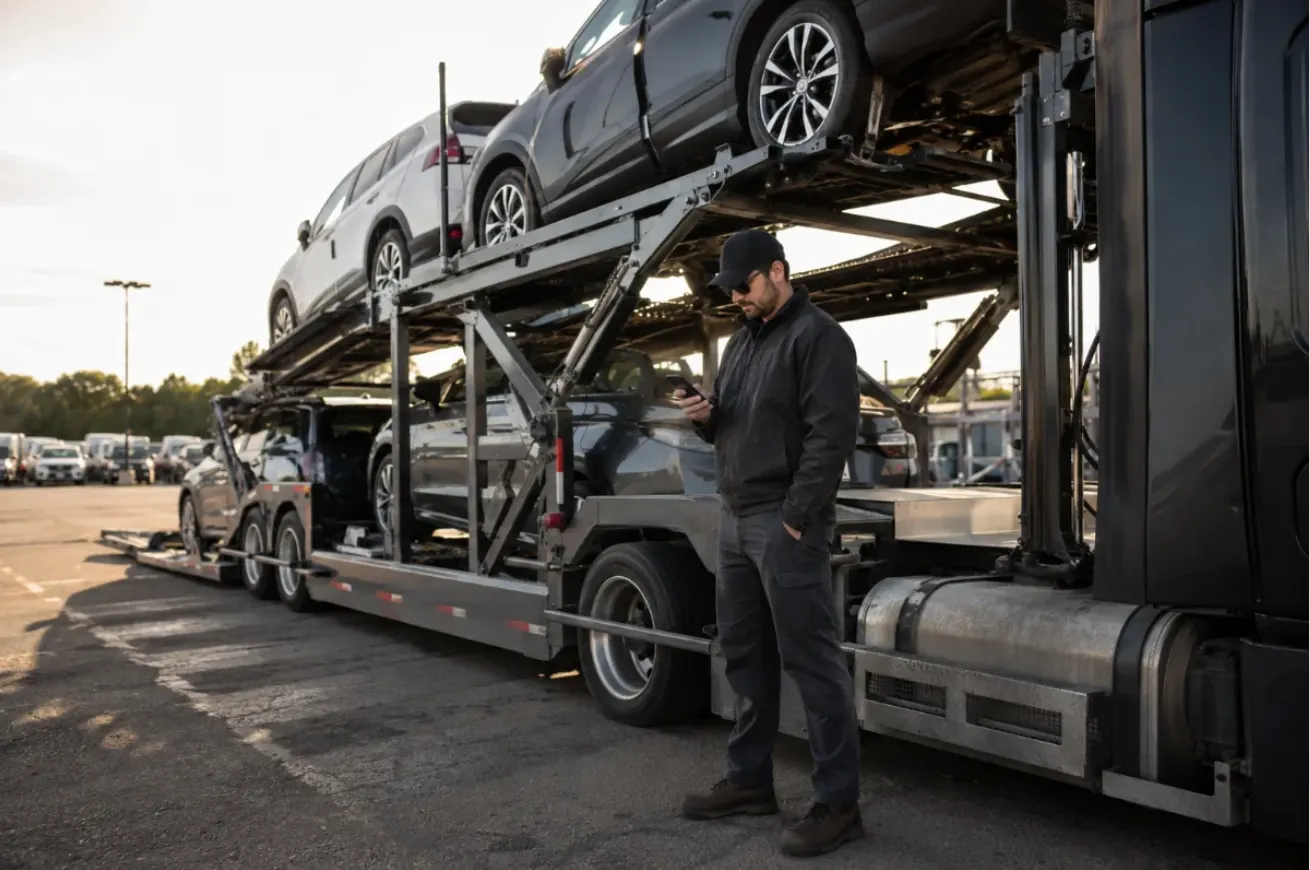
Built for the driver standing at the trailer.
One approved view of the load, the paperwork and the next step, checked in a minute at pickup or delivery.
Truck driver app questions.
Get the TruckTA Driver App.
Point your phone camera at the code.
Free download. Drivers sign in with their company invitation.
Free download. Drivers sign in with their company invitation.