
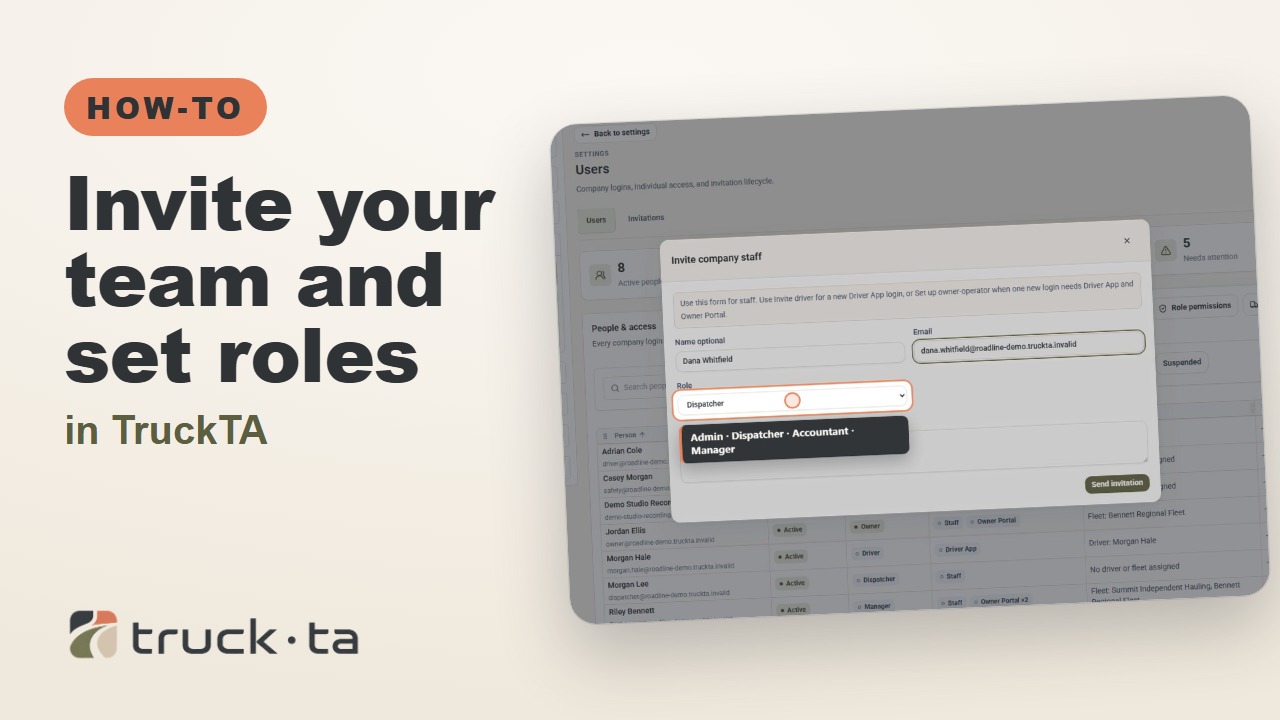
TruckTA How-to Guides2:39Captions
Invite Your Team and Set Roles in TruckTA
Give office staff their own TruckTA logins, track invitations, manage access, and set what everyone in each role can see and change.
Solve everyday car-hauling tasks with TruckTA: practical product videos, useful examples, and clear guides to putting each workflow into practice.
Video tutorials
21 tutorials
Give office staff their own TruckTA logins, track invitations, manage access, and set what everyone in each role can see and change.
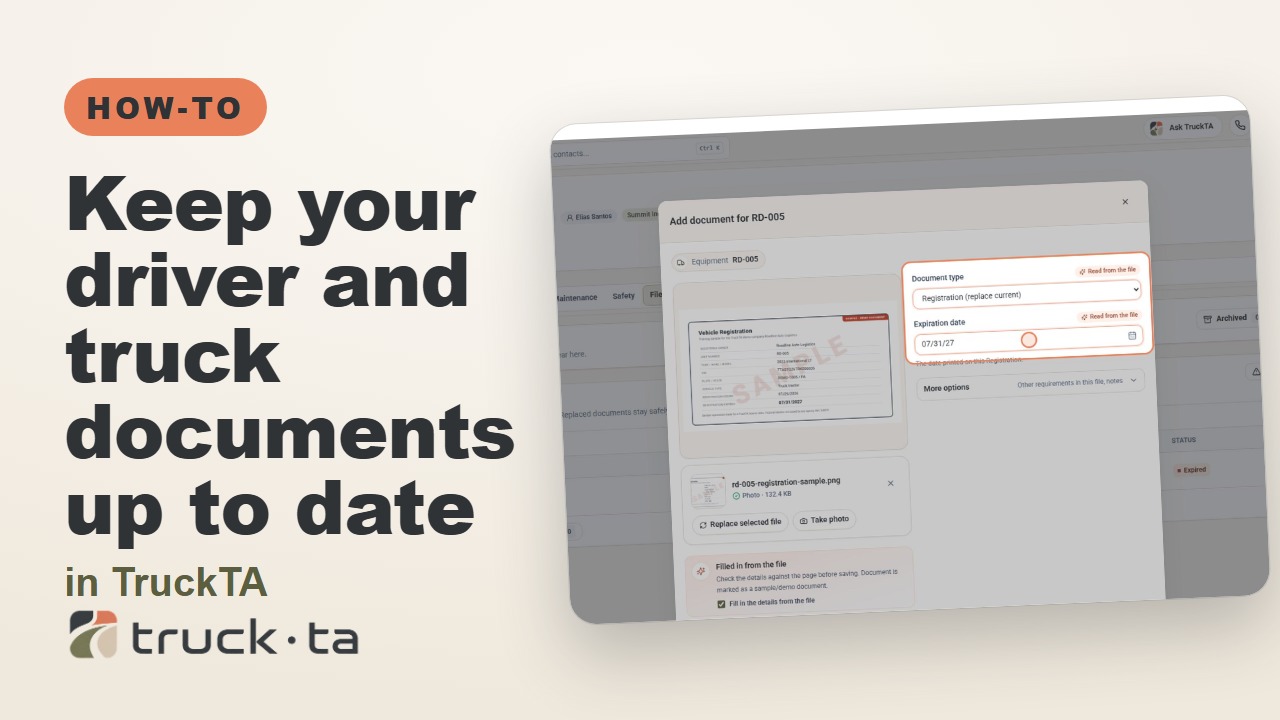
Find documents that need attention, replace an expired truck registration, add a driver’s medical card, and choose when TruckTA flags documents as expiring soon.
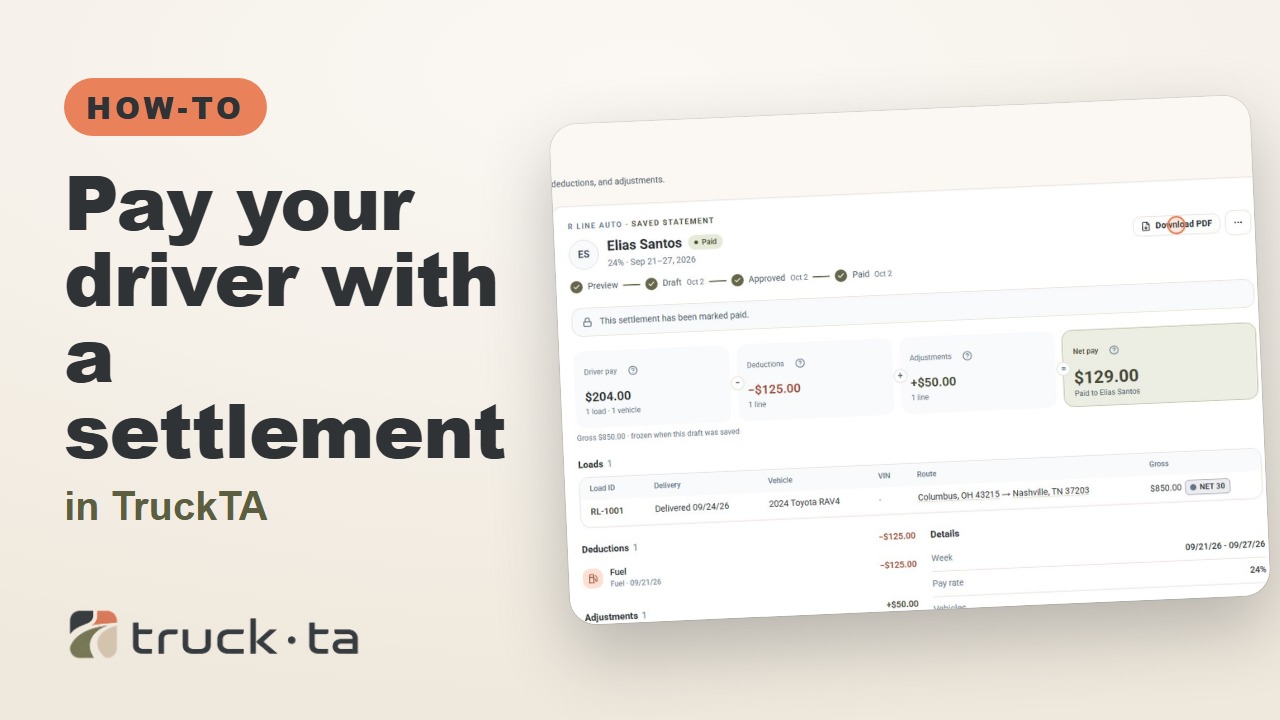
Close out your driver’s week in TruckTA: review delivered loads and deductions, add a bonus, save and approve the settlement, then record payment and download the statement.
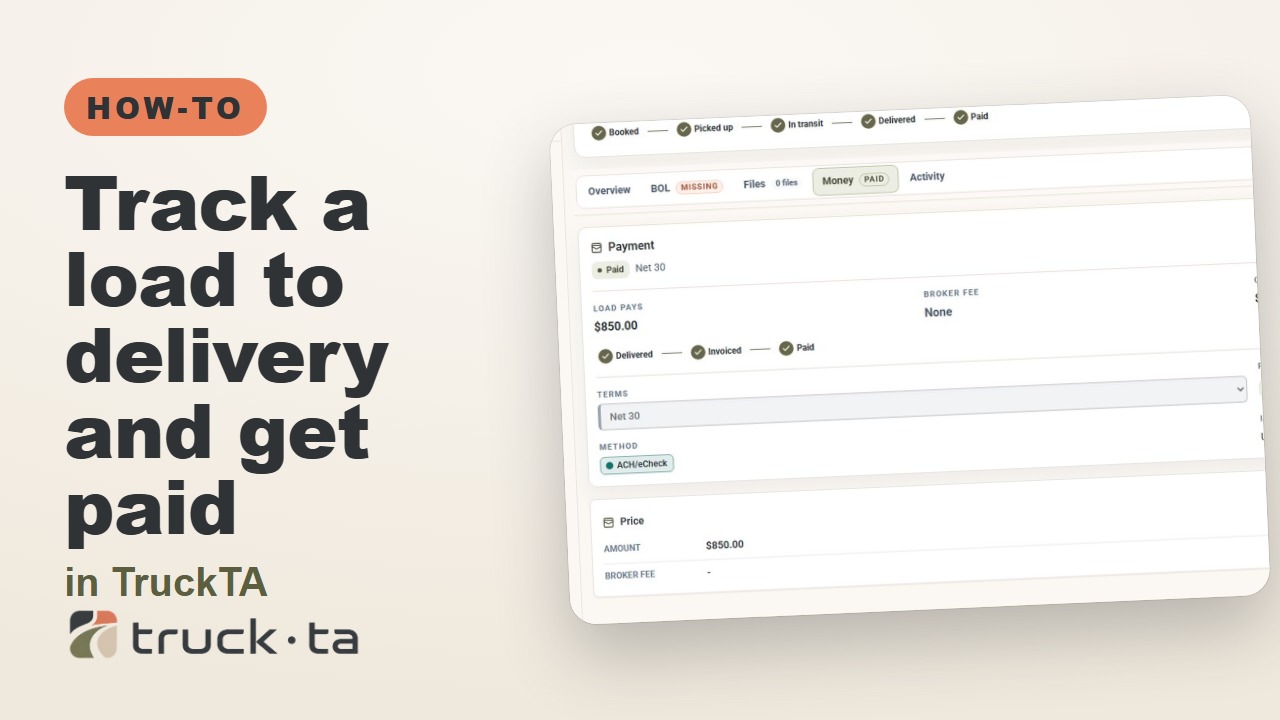
Your load is dispatched. Follow it through pickup and delivery, check its BOL, record the invoice, and record full or partial payment in TruckTA.
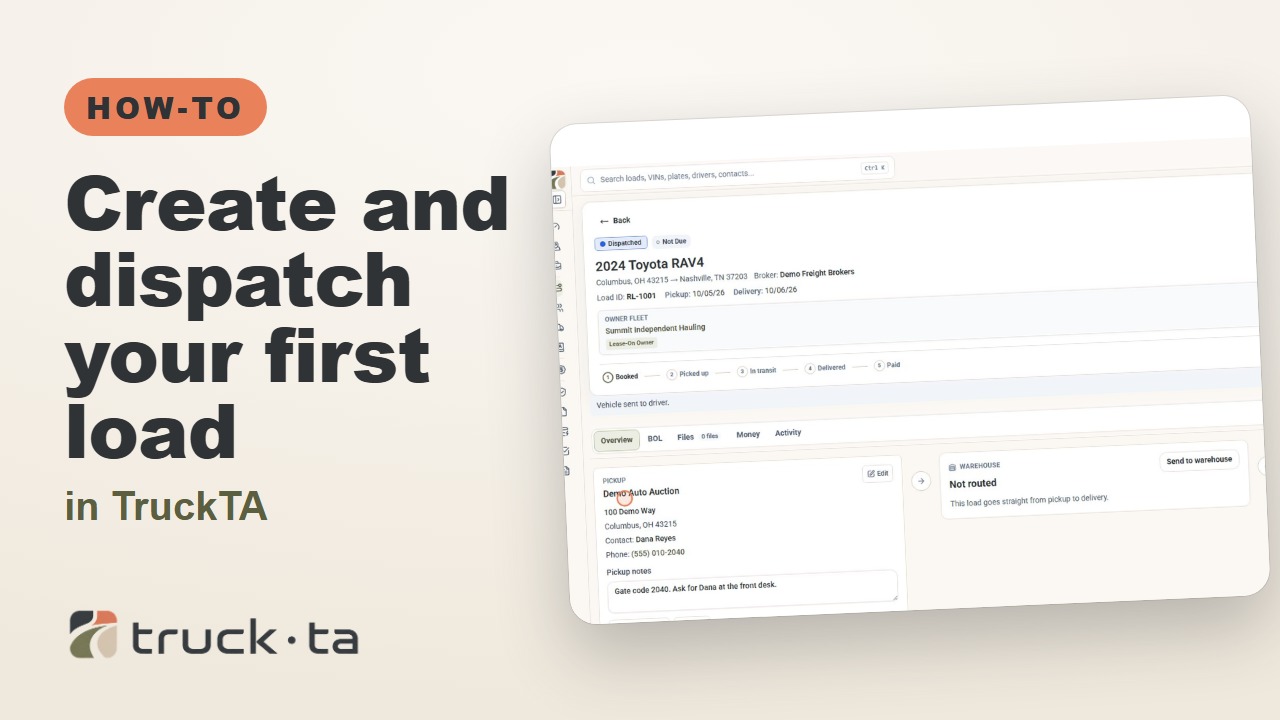
Follow the TruckTA video to enter your first load, add payment and route details, attach paperwork, and release the work to your driver with Send to driver.
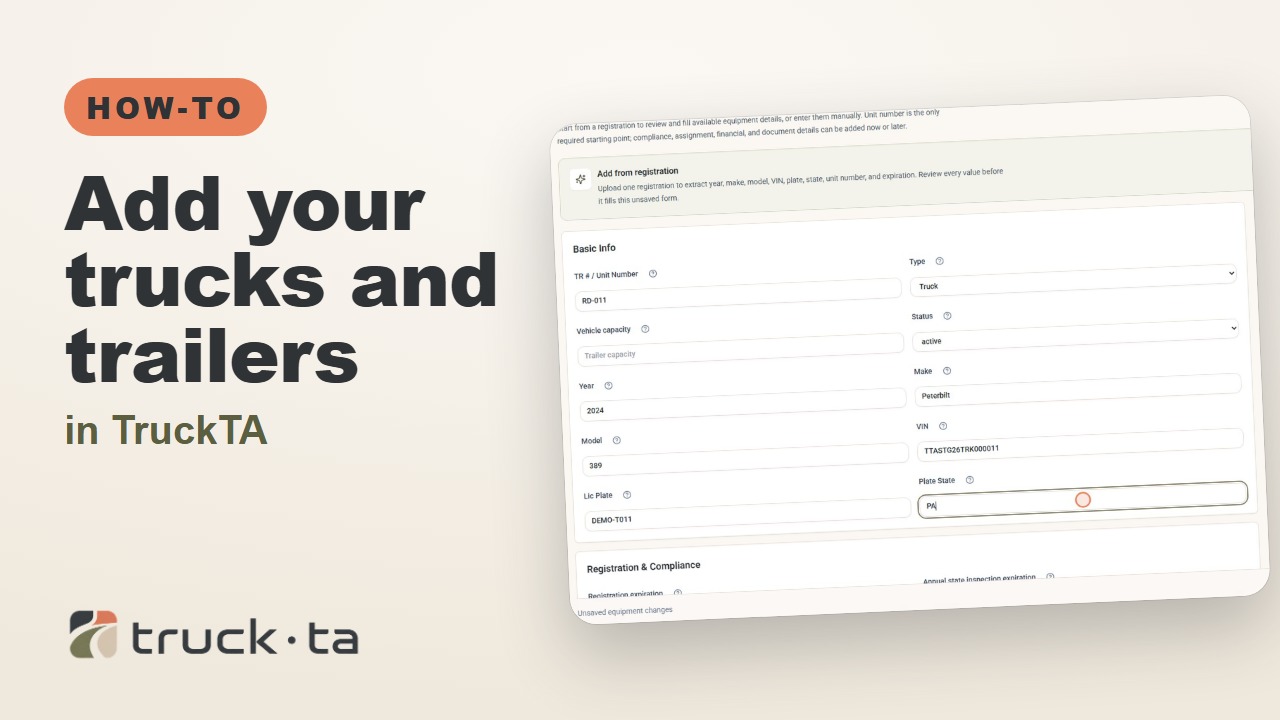
Add your equipment, enter registration and inspection expiration dates, attach documents, and assign a truck to your driver. Follow the same workflow shown in the TruckTA video.
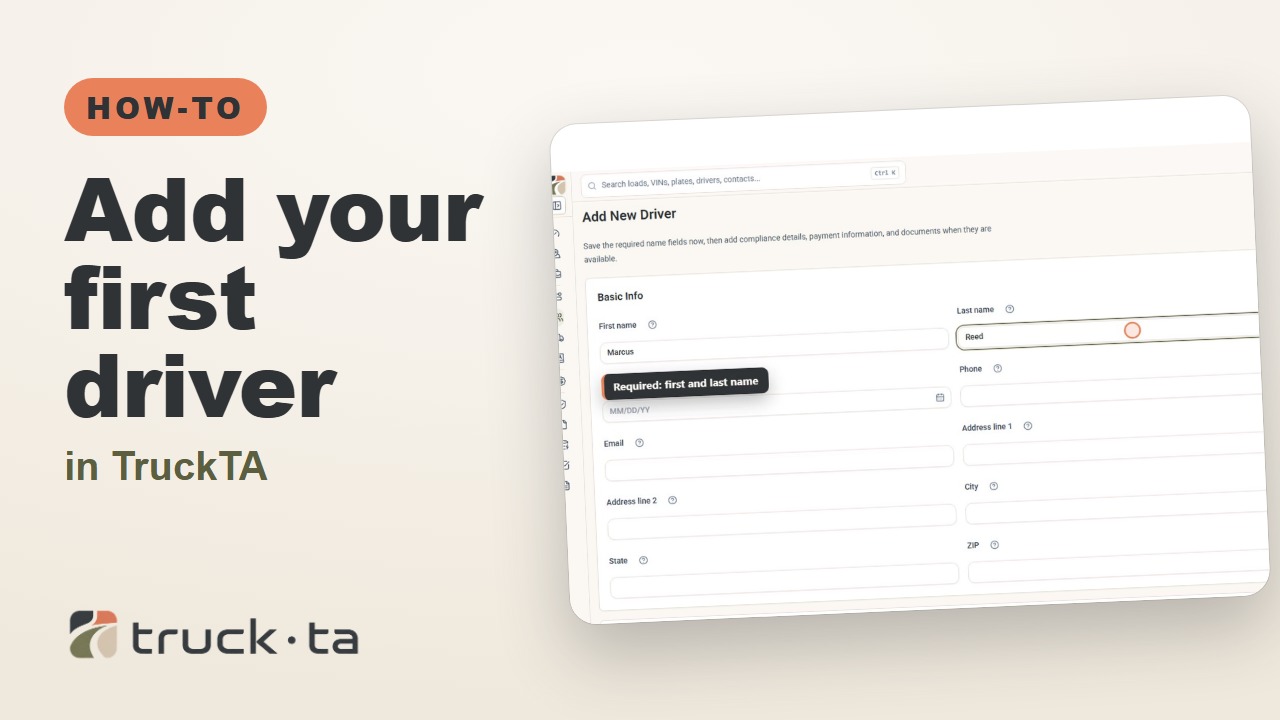
Add your first driver, enter license details, choose their pay method, review missing documents, and invite them to connect to your company through the TruckTA Driver App.
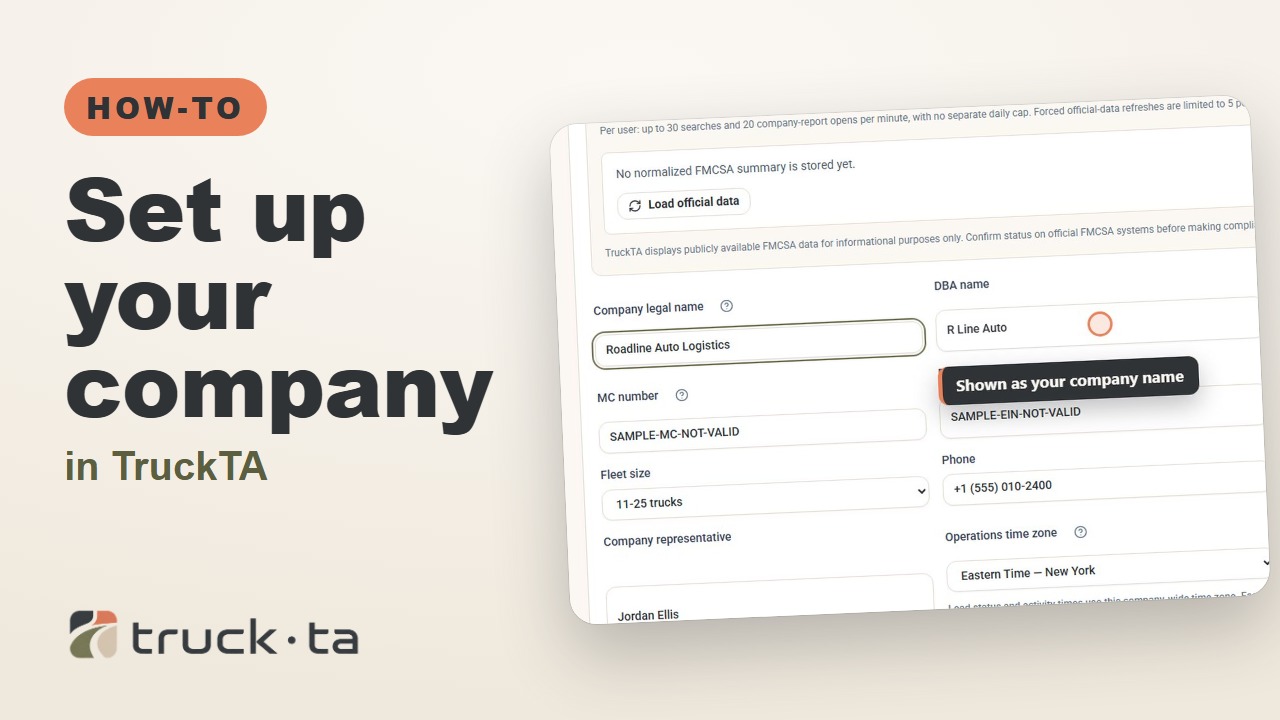
Follow the TruckTA setup video from signup through Company Profile, FMCSA data, logo upload, and company documents ready to share with brokers.
See what you can do in each part of TruckTA, from planning loads and viewing your fleet to managing settlements, documents, and record follow-up.