DOT Violation Response
Separate the finding, corrective work, agency response, and evidence review. Use a practical carrier log to keep ownership clear without closing the case too early.
By TruckTA Editorial Team · TruckTA Resources

In this article
- 1. Step 1: Open the DOT Violation Response case
- 2. Step 2: Build a log that connects findings to evidence
- 3. Step 3: Separate the correction from the cause
- 4. Step 4: Separate data questions from corrective work
- 5. Step 5: Assemble the carrier response packet
- 6. Step 6: Test the fix before closing the case
- 7. Frequently asked questions
Last updated: November 2026
Your driver sends an inspection report while dispatch is trying to save an auction pickup. DOT Violation Response starts with the actual report or notice: identify the finding, confirm its instructions, assign follow-up, and preserve evidence. What happens next depends on that document, not a generic penalty chart.
This guide covers your carrier’s corrective action case, from receiving the finding to reviewing the fix. For the immediate roadside handoff, keep What to Do After a Roadside Inspection as a Trucking Company: 7-Step Response Workflow alongside it. Here, the job is keeping corrections, responses, and unresolved questions from getting mixed together.
Step 1: Open the DOT Violation Response case
First, collect the complete report or notice rather than a cropped image of the violation line. Record the issuing agency, report identifier, driver, truck, trailer, and related load. Keep the original file separate from your working notes.
Next, identify the document you received. FMCSA describes a Notice of Violation as formal action without civil penalties (opens in a new tab). To avoid further FMCSA intervention, the carrier must take corrective action and provide evidence of it, or contest the violations (opens in a new tab).
By contrast, FMCSA describes a Notice of Claim as a formal notice that violations warrant assessment and civil penalties (opens in a new tab). Copy the document’s actual name into your log. Don’t relabel an inspection finding as a Notice of Claim.
Assign ownership and verify the instructions
Assign a case owner and a backup. Before acting, verify current deadlines, submission requirements, and movement instructions with FMCSA or the issuing jurisdiction. Ask a qualified compliance professional or legal adviser to review disputed findings and formal enforcement notices.
Also, distinguish an agency deadline from your internal target. Record where each instruction came from and who confirmed it. If something remains unclear, assign a follow-up question instead of filling the gap with a remembered rule.
Meanwhile, keep the auction gate problem in the load’s scheduling notes. Link those notes to the case rather than copying customer calls into the compliance narrative. Your records should distinguish the operational delay from the finding that needs a response.
Step 2: Build a log that connects findings to evidence
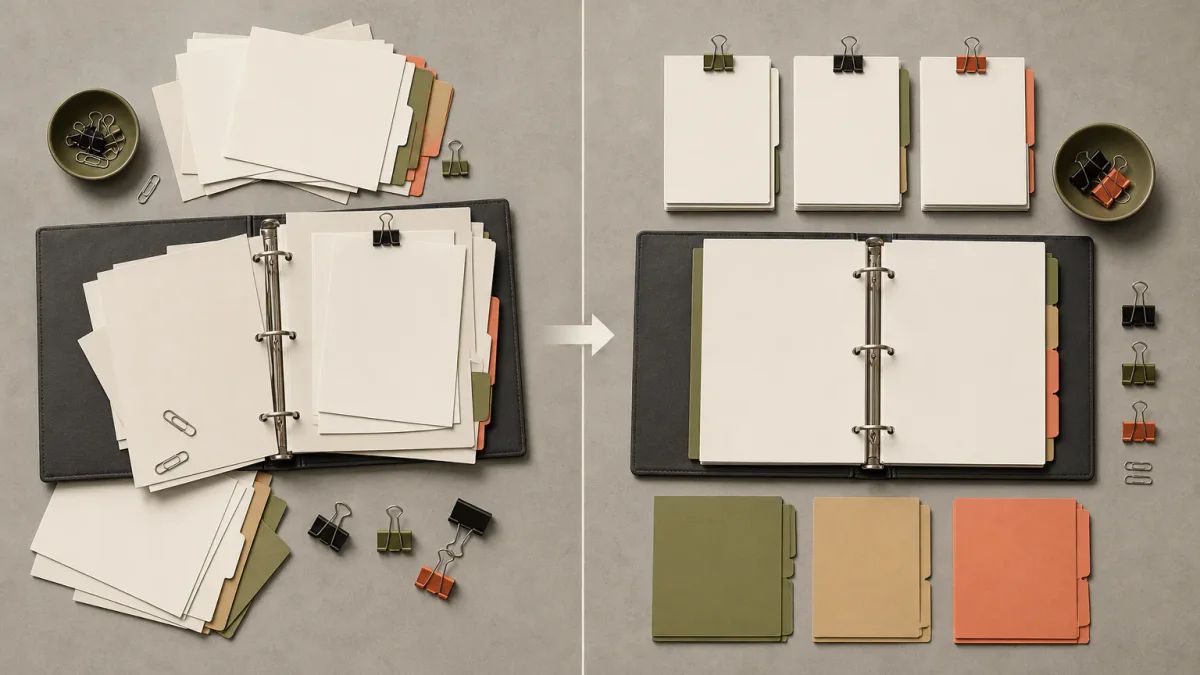
Use a case record for the event and a separate action entry for each finding. That keeps a completed equipment correction from hiding an unresolved records issue. Give every entry a reference back to the original report.
A workbook can serve as your working log; Fleet Management Spreadsheet is a related resource. Whatever format you choose, use consistent fields. Your DOT Violation Response shouldn’t depend on someone remembering which group chat contains the shop’s answer.
Use a repeatable entry format
The layout below is a suggested internal template, not an agency form. Copy it into your records process. Then give each finding its own evidence references, even when several findings share the same inspection report.
| Log field | What to enter | Avoid this shortcut |
|---|---|---|
| Case and finding | Report identifier, finding text, affected driver or equipment | A nickname such as “trailer ticket” |
| Owner and backup | Named people responsible for the action and follow-up | Assigning it only to “maintenance” |
| Instructions and dates | Confirmed agency instructions, their source, and separate internal targets | A deadline copied from an unrelated case |
| Immediate correction | Specific action taken and its supporting record | “Fixed” without an evidence reference |
| Cause assessment | Known facts, open questions, and the suspected process failure | Treating an assumption as a confirmed cause |
| Preventive action | A defined workflow change with an owner | “Be more careful” |
| Response tracking | Submission record, correspondence, and next action | Treating “sent” as “accepted” |
| Effectiveness review | What will be checked, by whom, and the observed result | Closing after a reminder email |
| Closure decision | Reviewer, date, evidence references, and remaining issues | An unexplained green status |
For file names, use the case identifier and a plain description. Keep revisions distinguishable. A repair invoice, driver statement, and submission receipt shouldn’t all arrive as “scan.” Finally, add dated explanations when new information changes an earlier assessment.
Step 3: Separate the correction from the cause
Start with the narrow question: what action addressed the reported condition? For an equipment finding, connect the affected component to the work record. For a records issue, identify the record involved and document what your team changed.
However, preserve the distinction between original evidence and later corrective work. Keep the inspection report and contemporaneous records intact. A later invoice belongs with the correction entry, not in place of the evidence showing the condition reported.
Find the failed handoff before assigning training
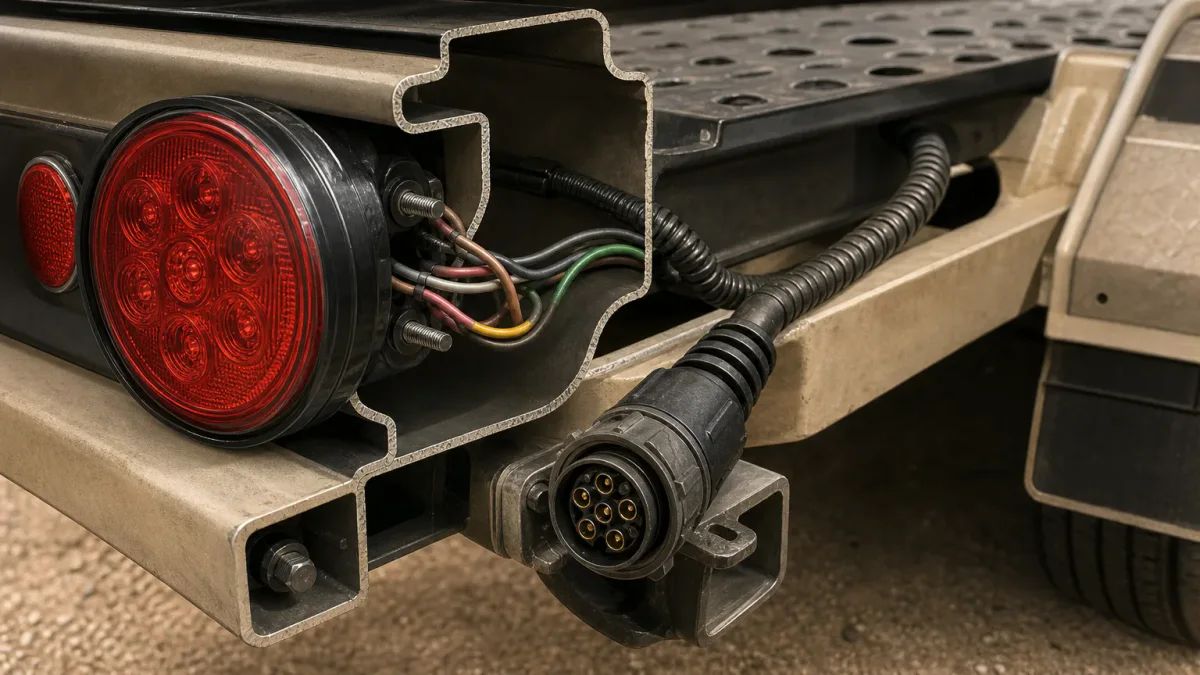
Consider a hypothetical lighting finding on a wedge trailer. The repair entry identifies the work performed. Next, the cause review asks whether an earlier defect message reached maintenance, who owned it, and what dispatch knew before assigning that trailer.
Then test the explanation against records rather than memory. Compare the driver’s message, shop correspondence, assignment history, and existing defect report. In your DOT Violation Response, label unsupported explanations as hypotheses rather than turning a supervisor’s first impression into a finding.
If the evidence points to a training gap, name the task that needs improvement. Keep DOT Compliance Training for Car-Hauling Fleets: A Role-Based Plan as a related resource. Record the instruction and the practical assessment separately.
Instead of “driver reminded,” describe the expected action. For a missed message handoff, ask the employee to demonstrate identifying the unit, routing the report, and obtaining acknowledgment. If ownership was the problem, fix the assignment process rather than prescribing unrelated training.
Step 4: Separate data questions from corrective work
A DOT violation lookup may leave you questioning an equipment identifier or recorded finding. First, match the entry to the original report. Compare the relevant identifiers and gather the records supporting your concern before drafting a broad complaint.
Meanwhile, keep corrective work in separate log entries. For example, record a completed trailer repair under the equipment action. Put a disputed trailer identifier under the data question, with its own evidence and owner. Don’t combine those decisions under “resolved.”
Document the exact discrepancy
Write a focused discrepancy statement: identify the field you question, explain the difference, and reference the supporting record. If an assignment sheet supports your concern, identify the relevant entry. Store your interpretation separately from the unchanged original.
According to FMCSA’s DataQs Help Center, motor carriers and commercial drivers may register for a free account (opens in a new tab). They may enter a Request for Data Review or Inspection Report Request at no cost (opens in a new tab). Verify current submission instructions before filing.
Next, record the request reference, submitted evidence, correspondence, and returned decision. The DOT Violation Response log should say “request submitted” until you have a documented outcome. An upload confirmation alone shouldn’t become an internal entry claiming the agency agreed.
Also, ask the issuing authority and your qualified adviser which process applies to any citation or enforcement notice. Confirm whether separate responses are required. Do not assume that a data-review request satisfies another instruction or deadline.
Step 5: Assemble the carrier response packet
Build the packet around the actual request or notice. Put each finding beside its response explanation and supporting evidence. Then check whether the attachments establish what you claim, rather than sending an entire maintenance folder and hoping the right page stands out.
For context, FMCSA describes an offsite investigation as a safety investigator requesting document copies and reviewing them remotely (opens in a new tab). Organize your packet for someone who wasn’t on the dispatch call and doesn’t know the fleet’s equipment nicknames.
Check the attachments against each statement
First, match every attachment to the correct driver, unit, and event. An invoice for another trailer doesn’t support this correction. Likewise, check dates before describing training as completed; the acknowledgment should identify when the instruction actually occurred.
Next, separate completed actions from planned actions in the narrative. State what your records demonstrate and identify work still open. Have the responsible reviewer check the packet’s accuracy and completeness against the applicable response instructions.
For a formal notice, ask a qualified adviser to review the proposed response and unresolved legal questions. Confirm current submission, certification, deadline, and retention requirements with the responsible regulator. This packet layout is an operating practice, not a prescribed filing format.
After submission, retain the exact version sent, its attachment index, and available delivery evidence. Your DOT Violation Response file should distinguish that submitted version from later additions. Assign a named person to check correspondence and route requests for further information.
Step 6: Test the fix before closing the case
Choose an effectiveness check that tests the failed process. If the problem involved an unassigned defect message, follow a later report through acknowledgment and ownership. For an equipment-record mismatch, check whether a later assignment connects to the correct unit.
Then record what your reviewer observed. “No complaints” doesn’t demonstrate that a message reached its owner. Identify the transaction checked, the evidence examined, and any gap found. If the test fails, assign another action rather than changing the status to green.
Make closure a documented internal decision
Use closure as an internal review decision, not a claim about an agency’s position. Keep agency response status visible alongside it. If corrective work is complete but correspondence remains open, show both conditions instead of forcing them into a single label.
Also, group findings by the process you investigated, not just the reported issue. Compare message ownership, equipment identification, and supervisor review across cases. That gives your next review a specific question to test rather than another general reminder to improve.
Before changing tools, ask another staff member to retrieve the report, evidence, and next action without your help. Include Trucking Compliance Software: Test the Workflow Before You Buy in your evaluation. Use an appropriately protected case, not an empty demonstration folder.
For your next DOT Violation Response, start with the oldest unanswered item and assign its owner. Try TruckTA to explore compliance records, using that case to evaluate Documents, company checks, and inspection records against your team’s actual recordkeeping needs.
Frequently asked questions
How should a small fleet handle review when the owner also dispatches?
Record which role you performed for each action, even when you handle several roles. Where practical, arrange a separate review of the evidence and closure decision. Give that reviewer a specific question, such as whether the attachments support the proposed response.
Should customer delay updates include the entire violation file?
As an internal practice, keep scheduling updates focused on the affected appointment, current plan, and next communication. Route requests for inspection or enforcement records to the case owner. Obtain qualified advice when disclosure obligations or a dispute are involved.
What should you transfer when a case owner leaves the company?
Give a named replacement the open-action list, evidence locations, pending correspondence, and confirmed deadlines. Have the replacement acknowledge the handoff and identify any access problems. Preserve the former owner’s entries so reassignment doesn’t erase the case history.
Put it into practice
Keep your operation moving with TruckTA.
Bring loads, drivers, documents, payments, and settlements into one connected workspace.