Trucking Compliance Software: Test the Workflow Before You Buy
Compare software against the work your fleet needs done: collecting records, assigning reviews, handing decisions to dispatch, and retrieving evidence. Use one practical checklist to test finalists before committing.
By TruckTA Editorial Team · TruckTA Resources

In this article
Suppose dispatch is planning tomorrow’s load, but a driver’s file is waiting for review and the trailer’s repair paperwork is buried in a text thread. Where does the dispatcher look? Who finishes the review? What shows that the open question has actually been resolved? Those are useful buying questions. Start there, not with the number of folders a product lets you create.
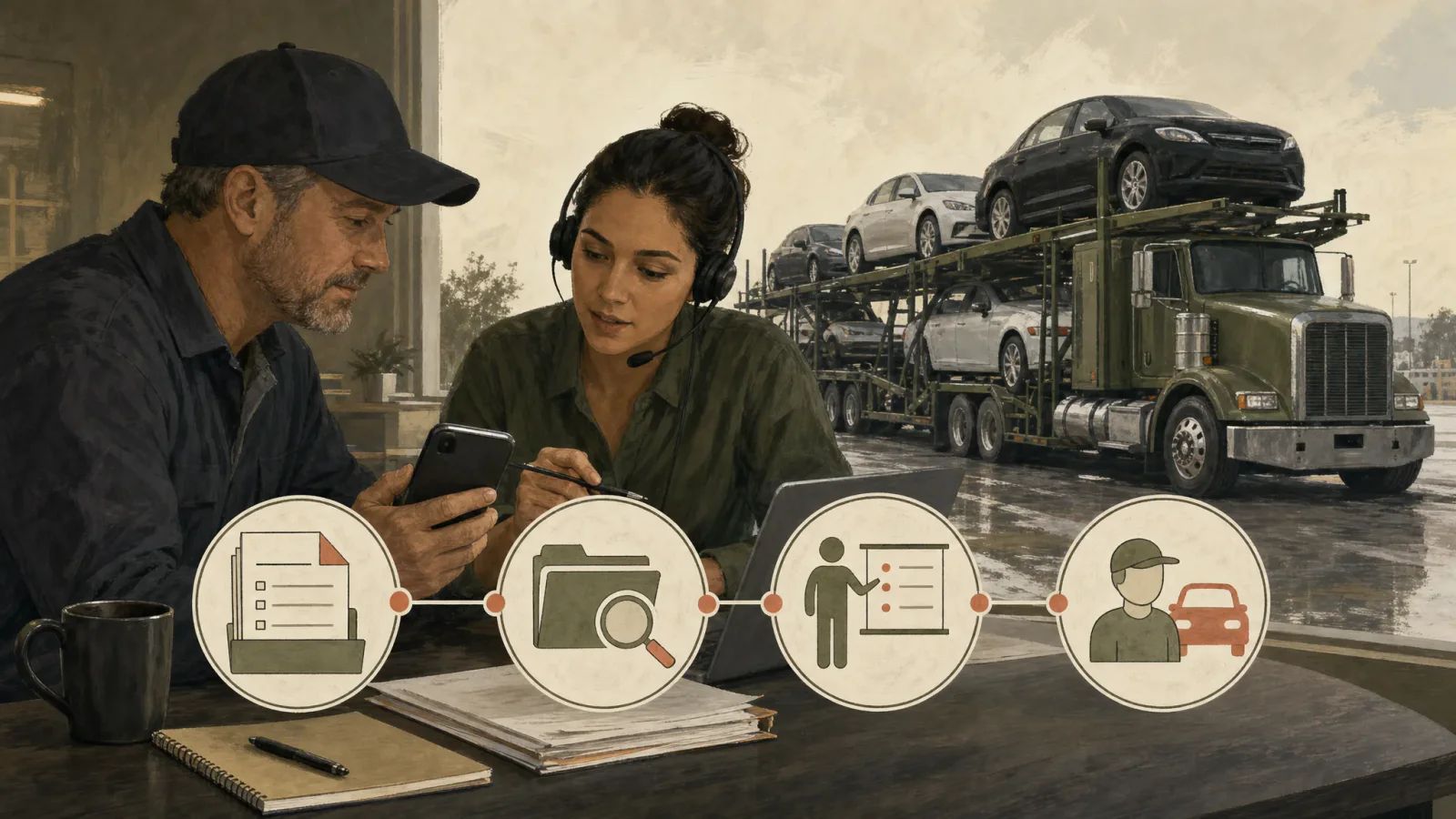
Evaluate trucking compliance software against the complete handoff: collect the record, assign the work, review the evidence, communicate the decision, and retrieve it later. Give each finalist the same sample tasks. Don’t give a product credit for completing work it only reminds someone else to do.
Define the work before comparing products
Write a short operating profile before scheduling a walkthrough. Include your company entities, drivers, truck-and-trailer combinations, outside providers, and current record locations. Describe the equipment you actually manage, whether that’s a pickup and gooseneck, a wedge, larger transporters, or a mix. Add who works in the office and who covers when that person is unavailable.
Then turn your complaints into specific tasks. “We need better records” leaves too much room for interpretation. “The backup dispatcher needs to find the latest review decision without calling the owner” gives you something to test. Other useful requirements might be retrieving a trailer’s history after reassignment or returning an unreadable upload to the driver with a clear explanation.
For each task, name the person responsible, the primary record location, the next recipient, and the evidence needed to close it. Separate collection from review and review from operational approval. One employee may handle all three, but write them as separate actions so a replacement or backup can follow the same process.
Use the car-hauler dispatcher responsibilities guide when assigning the dispatch side of those handoffs. Bring your own responsibility map into the software evaluation rather than letting the vendor’s default user roles decide how your office should work.
Keep the scope clear: this is a purchasing workflow, not a DOT compliance checklist. Confirm current applicable requirements separately with the person responsible for your compliance program before configuring required records, deadlines, retention settings, or operational restrictions. The examples below are hypothetical software tests, not instructions for determining whether a driver or vehicle may operate.
Give records a clear identity and review status
Build a sample record with enough detail to explain itself: the driver, unit, or company it belongs to; record type; source; event date; upload date; assigned owner; next action; and supporting attachment. Keep the event date separate from the upload date. Decide which fields your team needs before judging whether a screen looks complete.
Use distinct working statuses such as requested, received, under review, and resolved. Define each one in plain language. For your test, “received” should mean the attachment arrived, not that someone accepted its contents. A review decision should identify the reviewer, decision date, and any unresolved question. Avoid a single “complete” label that leaves dispatch guessing what happened.
Driver records: Prepare a fictional file with an attachment awaiting review. Specify what the driver can submit, what the reviewer can change, and what dispatch needs to see. Keep the dispatcher’s operational view separate from access to the entire personnel file. Write down the intended permissions before testing them.
Equipment and inspection records: Give the truck and trailer separate identities. In a hypothetical reassignment, move the trailer to another truck and require its history to remain attached to the trailer. Structure a sample issue so the report, supporting photos, follow-up evidence, and reviewer’s decision can be retrieved together.
Keep customer-vehicle condition reports distinguishable from hauling-equipment records. For example, create a fictional pickup condition report about a scratch on a customer’s car and a separate report about the trailer. Retrieve the first through the load and vehicle identifier; retrieve the second through the trailer identifier. Finding both through a broad search for “inspection” isn’t the same test.
Company records: Organize documents and company checks by the entity and purpose involved. For a sample check, specify a source, check date, person responsible, and follow-up decision. If the record concerns outside work, keep the request, response, and internal review distinguishable. Define the evidence you want instead of accepting a checkmark with no explanation.
Separate storage, reminders, and completed work
For every capability in a proposal, classify what it does: stores evidence, reminds someone to act, sends information elsewhere, or returns a result. Then identify whether the work happens inside the product, through a named connection, through an outside provider, or manually. Put those boundaries in your comparison sheet.
Consider a hypothetical outside review. Your office sends a request, a provider performs the work, the result comes back, and an employee reviews it. Assign each step. Decide where the response belongs and who follows up if nothing arrives. Evaluate the software’s part of that sequence without assuming it performs the provider’s work.
Apply the same distinction to filing-related tasks. Separate gathering records, preparing a submission, sending it, making any associated payment, and recording the response. Identify which steps you’re actually buying. If the proposal only covers document storage, evaluate it as storage rather than treating the folder name as proof of a completed transaction.
If your intended setup includes HOS or ELD information, specify the source, driver match, last successful update, and owner of connection problems. Keep this test about information handling, not interpreting HOS rules. A simulated failed update should have a defined result: the affected information is identified, its update status is visible, and someone owns the follow-up.
Request written scope for connections, outside services, setup, training, exports, and support. Include responsibility for correcting mismatched driver or unit records. Keep promised future functions outside your acceptance score. Whether the proposal says “DOT compliance software” or “fleet compliance software,” compare the work available to test, not the category label.
Run one acceptance checklist with every finalist
Prepare fictional sample records and use the same set with every finalist. Perform deliberate failure tests only in an agreed test environment. For each item, record the result and retain an example you can inspect afterward. Mark a test not applicable when the function is outside your intended scope.
Checklist
0 of 11 done
Score each applicable test as demonstrated, demonstrated with a workaround, or not demonstrated. For a workaround, name the person who would perform it and describe the added handling. A manual step may be acceptable for occasional work. Make that choice deliberately, rather than discovering it after migration.
Identify your nonnegotiable requirements before comparing totals. If you require restricted review permissions or a usable export, a failure there stays a failure regardless of other strengths. Record the gap, agree on what would resolve it, and retest the changed workflow before accepting it.
Pilot the handoffs and price the remaining work
Choose a limited pilot that represents your office and driver workflow, not just your easiest file. Include a truck-and-trailer combination, a routine document review, and a backup office user. Use fictional records for unresolved issues and deliberate failures. Do not create an actual safety problem to test software.
Try a hypothetical shift change: the primary reviewer leaves a sample document pending, then the backup takes over. Have the backup locate the evidence, identify the open question, record the next action, and hand the status to dispatch. Observe where anyone needs a phone call or side message to understand the file. Record those steps as part of the process you’re evaluating.
Set your acceptance targets before the pilot. Measure retrieval time, repeated data entry, unassigned tasks, failed uploads, and manual export work. Include driver effort and office correction time. Use your own baseline and label any targets as internal operating goals; don’t borrow a vendor’s projected savings as your result.
Build the cost comparison around the tested workflow. Request written prices for the subscription, users or units, migration, training, connections, outside services, and exports where applicable. Add the staff work that remains. Record cancellation terms and the proposed process for retrieving records when service ends.
For the economic side, use the fleet management adoption guide alongside your pilot results. Keep the buying decision specific: which tasks changed, how much handling remained, and what the complete setup would cost your company.
Before migration, reconcile active drivers and units, resolve duplicate identities, and inspect imported dates and attachments. Name the primary record system during the transition. Keep automated deletion out of the pilot, and obtain approval for retention settings through your separate requirements review before enabling them. Assign a backup administrator and rehearse an export before expanding use.
Explore TruckTA compliance records with a concrete evaluation request: bring fictional documents, company-check tasks, and inspection records, then ask which collection, review, and retrieval steps are available. Confirm the scope rather than assuming these are supported product capabilities. Leave the discussion with a written list of what the platform would handle, what your staff would handle, and what still needs testing.
Editorial references
Sources checked
Requirements can change and may depend on jurisdiction, vehicle, weight, operation, and driver status. Confirm current applicability with the responsible agency or a qualified adviser.
- Company safety recordsfmcsa.dot.gov · checked October 21, 2026
- Eld fact sheet english versionfmcsa.dot.gov · checked October 21, 2026
- Eld faq17 electronic logging devices and hours servicefmcsa.dot.gov · checked October 21, 2026
- Fmcsa brochure part 396fmcsa.dot.gov · checked October 21, 2026
- General information about eld rulefmcsa.dot.gov · checked October 21, 2026
- When creating electronic logging device eld file specified sections 49 49 cfrfmcsa.dot.gov · checked October 21, 2026
Put it into practice
Keep your operation moving with TruckTA.
Bring loads, drivers, documents, payments, and settlements into one connected workspace.