How to Train a New Car Hauler Driver: First-Week Dispatch Checklist
A practical first-week onboarding plan for car hauler drivers covering company procedures, load details, status updates, inspections, paperwork, escalation rules, and a supervised first dispatch.
By TruckTA Editorial Team · TruckTA Resources

In this article
- 1. Day One: Set the operating standard
- 2. Day Two: Review the load file before the wheels turn
- 3. Day Three: Practice the status workflow
- 4. Day Four: Inspect the equipment and the vehicles
- 5. Day Five: Train paperwork and escalation
- 6. The supervised first dispatch
- 7. Use Driver Onboarding to make the process repeatable
- 8. Frequently asked questions
After the qualification and first-dispatch gate is clear, the first week should turn company expectations into repeatable habits. Train the driver on dispatch updates, condition reporting, paperwork, equipment checks, escalation, and coached practice; record what was demonstrated and what still needs supervision. For the approval decision before the first load, review driver readiness from qualification file to first dispatch.
Use this first-week plan to make training practical. The driver should leave the week knowing what to do, what to document, when to update dispatch, and who has authority to make the next decision. This company training plan supplements, but does not replace, any applicable qualification-file, CDL, ELDT, medical-certification, HOS, or inspection requirements.
Day One: Set the operating standard
Start with the way your company expects work to move—not with a stack of forms. Walk through the dispatch board, the driver app, phone etiquette, file naming, status timing, and the difference between a routine delay and an escalation.
Checklist
0 of 6 done
Give the driver a simple rule for communication: if the condition of the vehicle, the timing of the appointment, or the ability to continue the trip has changed, report it before taking the next irreversible step. That means before loading a vehicle with visible damage, before leaving a site with disputed paperwork, and before missing an appointment window.
Day Two: Review the load file before the wheels turn
New drivers often focus on the route and overlook the details that determine whether a load is actually workable. Sit with the driver and review a sample load from booking through delivery. Have the driver explain the assignment back to you in their own words.
Checklist
0 of 6 done
Run a short exercise with two similar loads. Ask the driver which one is ready to accept and what information is missing from the other. This exposes gaps in judgment early, especially around appointment feasibility, vehicle condition, and unclear site instructions.
Day Three: Practice the status workflow
A dispatch team can’t manage what it can’t see. The driver app setup for car haulers should be completed before the first live assignment, then tested with sample updates. Don’t assume that installing the app means the driver understands the workflow.
Checklist
0 of 7 done
Use realistic examples. A message that says “running late” isn’t enough for a dispatch board. The useful version identifies the stop, the reason, the expected delay, whether the appointment is at risk, and when the driver will report again.
Day Four: Inspect the equipment and the vehicles
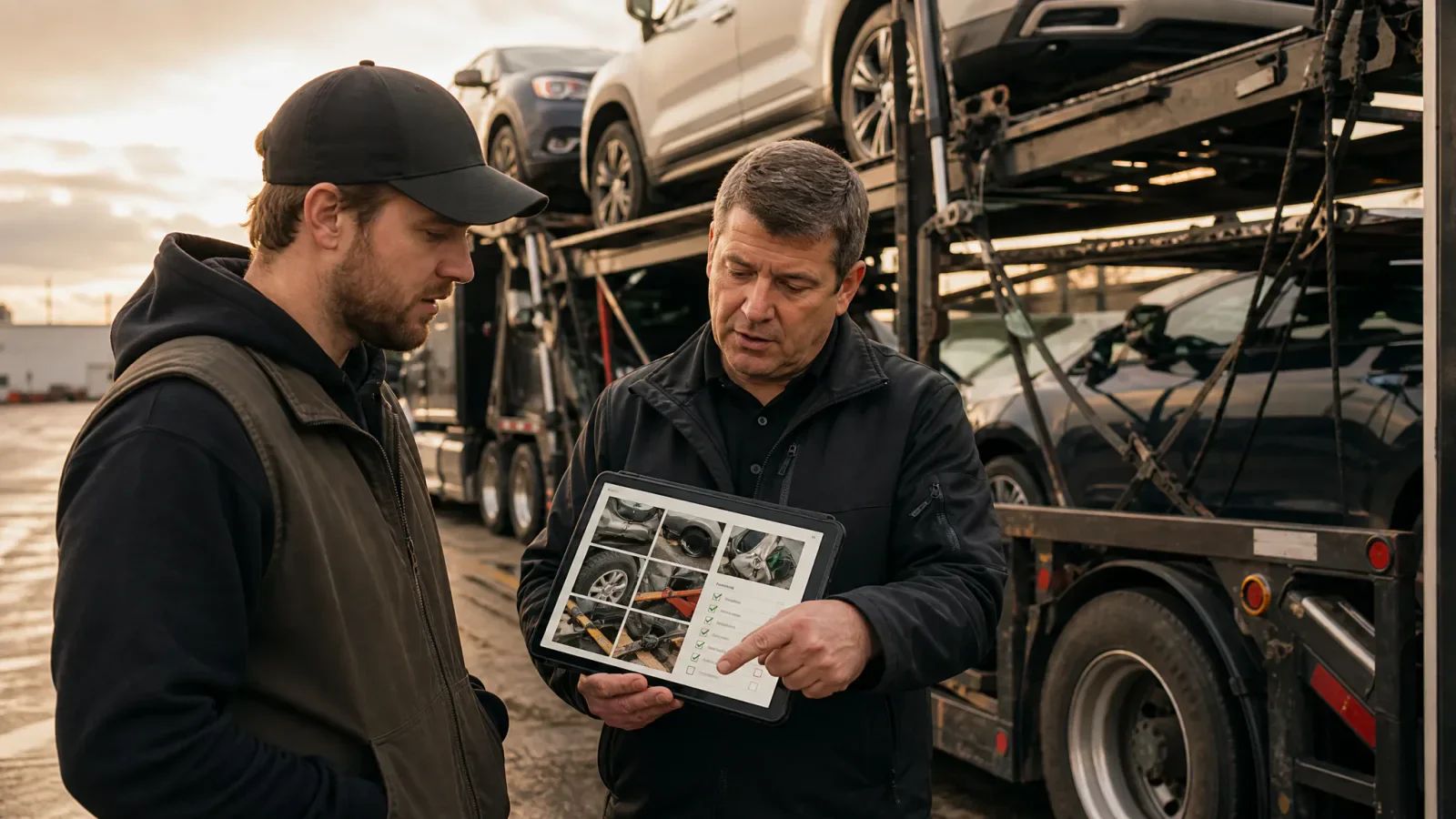
Pair the new driver with a qualified trainer or supervisor for a hands-on inspection. The goal isn’t simply to point at equipment. The driver must know what to check, what to photograph, what to report, and when the rig or vehicle should not move until someone reviews the issue.
Checklist
0 of 6 done
Have the driver complete one inspection without prompts. Review the result together. If the driver misses a step, repeat the inspection the same day rather than treating the mistake as a note for later.
Day Five: Train paperwork and escalation
Car hauling paperwork training should follow the physical movement of the vehicle. Teach the driver what is created at pickup, what changes during transit, and what must be submitted after delivery. The driver should understand that photos and exception notes support the paperwork; they don’t replace required signatures or clear explanations.
Checklist
0 of 6 done
The supervised first dispatch
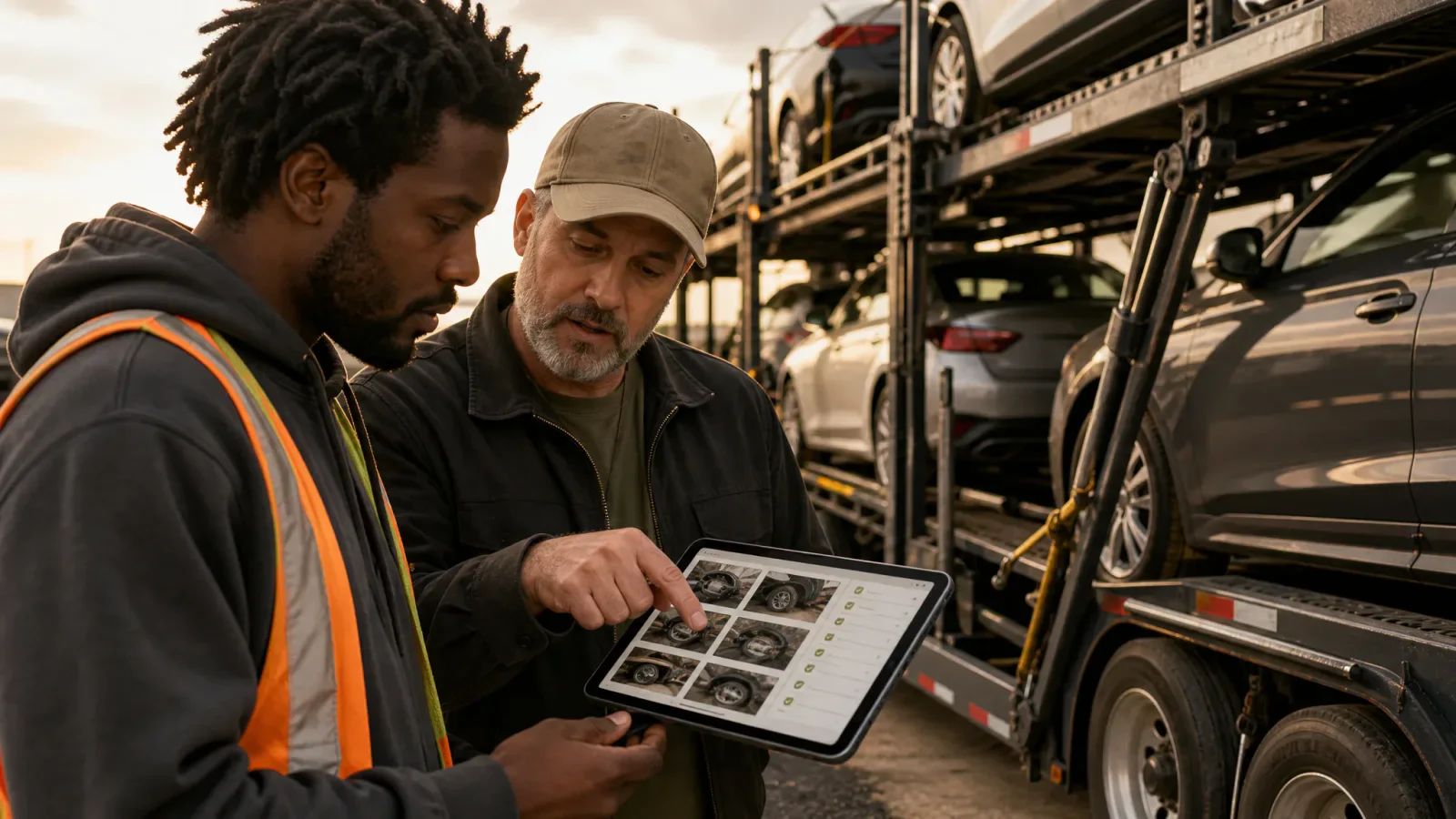
The first live dispatch should be supervised from assignment through closeout. That doesn’t mean dispatch controls every movement. It means someone is available, watching the records, and reviewing decisions while the driver builds confidence.
- Review the load file and have the driver repeat the pickup, delivery, vehicle, and paperwork requirements.
- Confirm the driver has the correct equipment, contact information, and document workflow before departure.
- Require the planned arrival update before the pickup appointment.
- Review the condition report and photos before the driver leaves the pickup location.
- Check the departure status and verify that exceptions were reported, not buried in a note.
- Monitor the next update during transit and coach the driver on any missing detail.
- Review delivery paperwork, final photos, and closeout notes before marking the load complete.
After delivery, hold a short debrief. Ask what information was unclear, where the driver lost time, which status action felt awkward, and what would have triggered a call if the supervisor had not been available. Update the onboarding checklist based on the answers.
Use Driver Onboarding to make the process repeatable
A strong car hauler driver onboarding checklist should produce the same baseline every time: company procedures reviewed, load details understood, status actions tested, inspections observed, paperwork practiced, escalation rules confirmed, and a supervised first dispatch completed.
TruckTA’s Driver Onboarding workflow can help your team organize these steps and keep the review visible to the people responsible for dispatch, fleet operations, and driver support. Use it to replace scattered messages and memory-based handoffs with a repeatable onboarding record.
Checklist
0 of 7 done
Don’t rush the signoff just because the first load delivered without a major problem. The real test is whether the driver can repeat the process, identify an exception, and communicate it early. That’s what protects the vehicle, the equipment, the customer relationship, and the dispatch board.
Frequently asked questions
How long should new auto transport driver training take?
Use the first week to cover procedures, load review, status actions, inspections, paperwork, escalation, and a supervised dispatch. Extend the training period when the driver still needs prompts to document exceptions or complete the workflow independently.
What should a new car hauler driver know before the first dispatch?
The driver should know the assigned load details, required status updates, inspection process, document-submission workflow, and escalation contacts. The driver should also demonstrate these steps with a supervisor before handling the first live dispatch alone.
What paperwork should a new car hauler driver practice?
Practice condition reports, pickup and delivery signatures, exception notes, required photos, gate or release records, receipts, and the final delivery packet. Your company should specify which documents are required for each load and where they must be uploaded.
When should a car hauler driver escalate a load issue?
Escalate before loading, unloading, signing, or continuing when there is disputed damage, a paperwork mismatch, an unsafe site condition, an inoperable vehicle, missing equipment, or a delay that may affect the appointment. The driver should report the facts, actions already taken, expected impact, and next update time.
Editorial references
Sources checked
Requirements can change and may depend on jurisdiction, vehicle, weight, operation, and driver status. Confirm current applicability with the responsible agency or a qualified adviser.
- FMCSA Driver Vehicle Inspection ReportsFederal Motor Carrier Safety Administration · checked October 6, 2026
- FMCSA Entry-Level Driver Training — ApplicabilityFMCSA Training Provider Registry · checked October 6, 2026
Put it into practice
Keep your operation moving with TruckTA.
Bring loads, drivers, documents, payments, and settlements into one connected workspace.