Meet Fuel Center: Your Fuel Purchases, Clearly Connected
Import fuel-card CSVs, connect purchases to trucks and drivers, and see your fuel spend and purchased gallons in one workspace. Fuel Center is now available in TruckTA.
By TruckTA Team · Product guidance
In this article
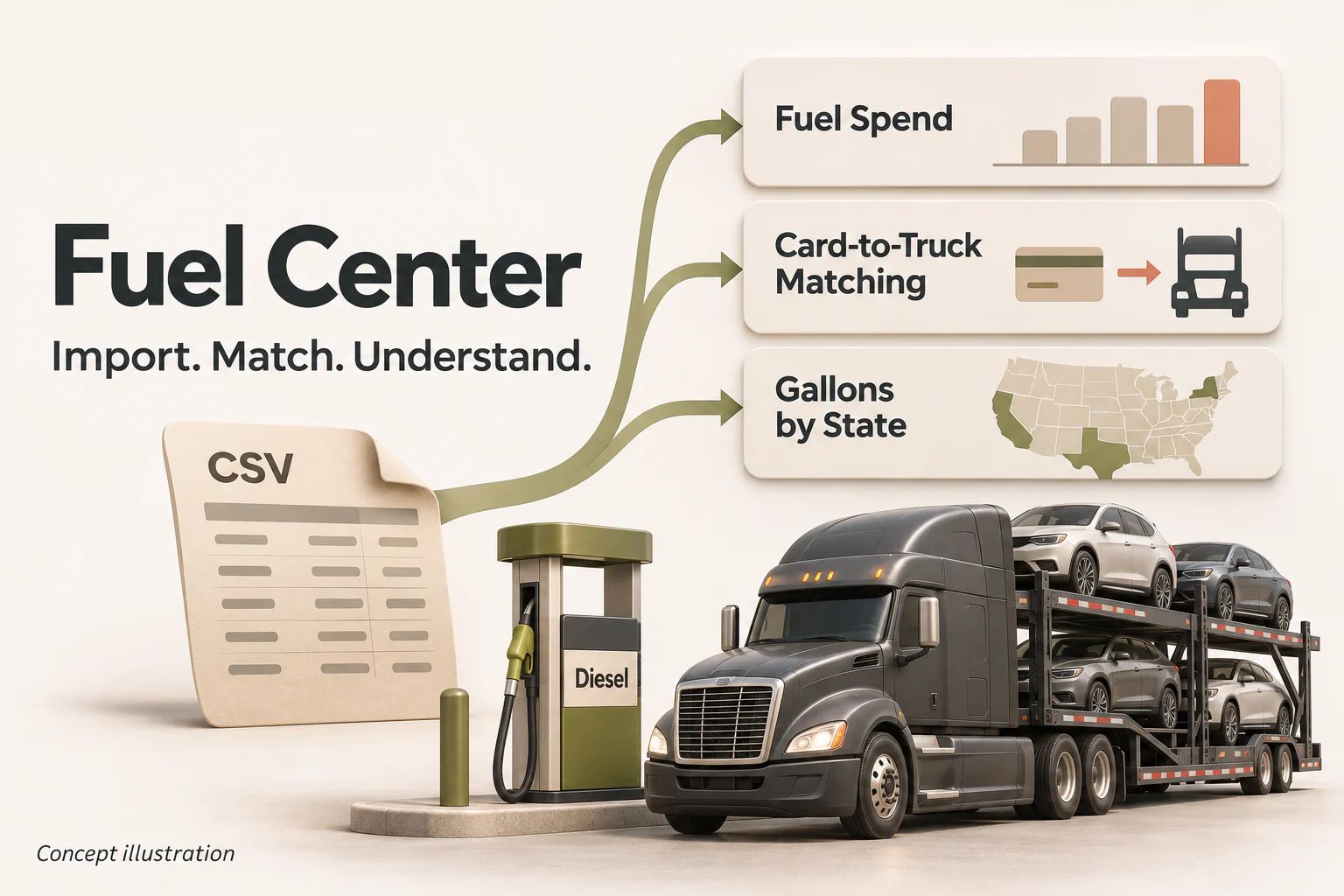
Fuel receipts tell you what you bought. Fuel Center helps you understand where that spending belongs. Now available in TruckTA’s Finance Center, the Fuel page brings imports, transactions, card matching, issue review, and purchased-gallon summaries together—so your team can move from a provider file to a clearer fuel record.
From a fuel file to a clearer fleet picture
Start with a CSV export from your fuel-card company. TruckTA recognizes the TCS format and lets you match columns for other CSV layouts. Review the file, answer the card-setup questions, and confirm the import. Saved column mappings help with later files that use the same headers. PDF statements are not supported.
Understand the spending behind the gallons
See net fuel spend, diesel and DEF gallons, discounts, fees, and weighted diesel price per gallon in Overview. Review spending by truck, driver, or state, then open Transactions to investigate individual purchases. Cost per mile appears only when the imported odometer readings provide a reliable covered mileage span.
Match fuel to the right truck and driver
In Cards & Matching, describe how each card is used: by one truck, following a driver, or shared between trucks. Date-based card history helps keep purchases connected when cards move. Review gaps and one-off purchases instead of treating today’s assignment as the answer for every past transaction. Driver attribution uses the truck’s Assignment History; correct missing or ambiguous history there.
Keep exceptions visible
Use Issues to review parsing, matching, duplicate, and state problems that need attention. Import review distinguishes unchanged transactions, updates, and possible duplicates, so your team can investigate before confirming purchases. Unmatched purchases remain in company fuel totals while truck or driver attribution is being resolved.
Bring purchased gallons into your IFTA records
The IFTA view groups eligible imported taxable purchased gallons by state and period, including quarter and truck views. It supports the fuel-purchase portion of your records. It does not calculate jurisdiction mileage, tax rates, tax-paid credits, or tax due, and it does not file an IFTA return.
Try it with your next fuel file
Open Fuel Center (opens in a new tab) Choose Import Fuel, export transactions as CSV from your fuel-card website, and follow the upload, column-matching, card-setup, and confirmation steps. The page includes a Fuel introduction video and guided setup. Viewing requires Fuel access; importing and matching require Manage Fuel permission. If Fuel is unavailable to you, ask your company administrator to review your access. Start with your next fuel CSV and give your team one place to understand the purchases behind the numbers.
Editorial references
Sources checked
Requirements can change and may depend on jurisdiction, vehicle, weight, operation, and driver status. Confirm current applicability with the responsible agency or a qualified adviser.
- Open Fuel Centerapp.truckta.com · checked November 6, 2026
Put it into practice
Keep your operation moving with TruckTA.
Bring loads, drivers, documents, payments, and settlements into one connected workspace.