
Follow Up on Freight Loads Awaiting Payment
Find unpaid freight loads in TruckTA, put overdue invoices first, and record full or partial broker payments as the money arrives.
By TruckTA Team · Product guidance
Reviewed by TruckTA ·
This tutorial uses an AI-generated voice. The video and article explain the same reviewed TruckTA workflow.
Put the workflow to work
Solve the task with TruckTA
In this article
Last updated: November 2026
Your freight invoices are out, but some brokers still haven't paid. Awaiting Payment in TruckTA shows the freight loads still waiting for payment, helps you find overdue invoices, and lets you record money received, whether it's the full balance or only part.
Start with the unpaid loads, work out who needs a call, then record incoming payments against the right load. For a separate month-end task, keep Monthly Bookkeeping Checklist for a Trucking Company: Month-End Closeout handy.
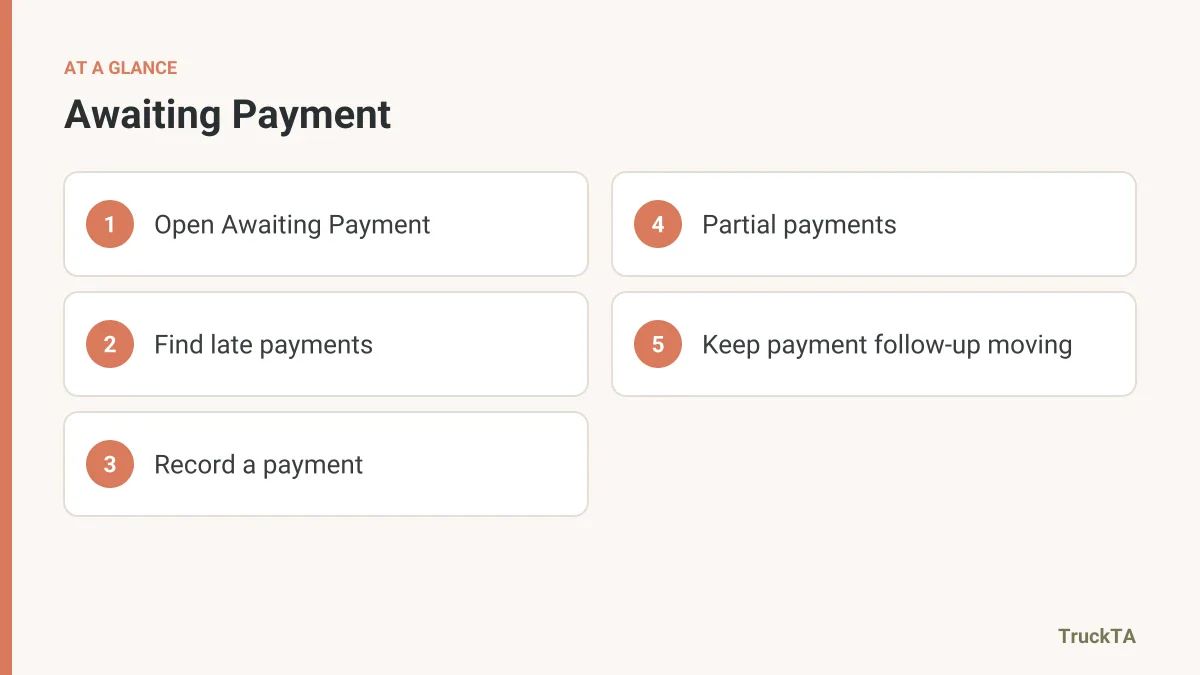
Open Awaiting Payment
Read the load count and outstanding balance
From the Dashboard, open Loads in the sidebar. Then choose the Awaiting Payment tab. The number on that tab tells you how many loads are still waiting for payment. Each row in the list represents one load.
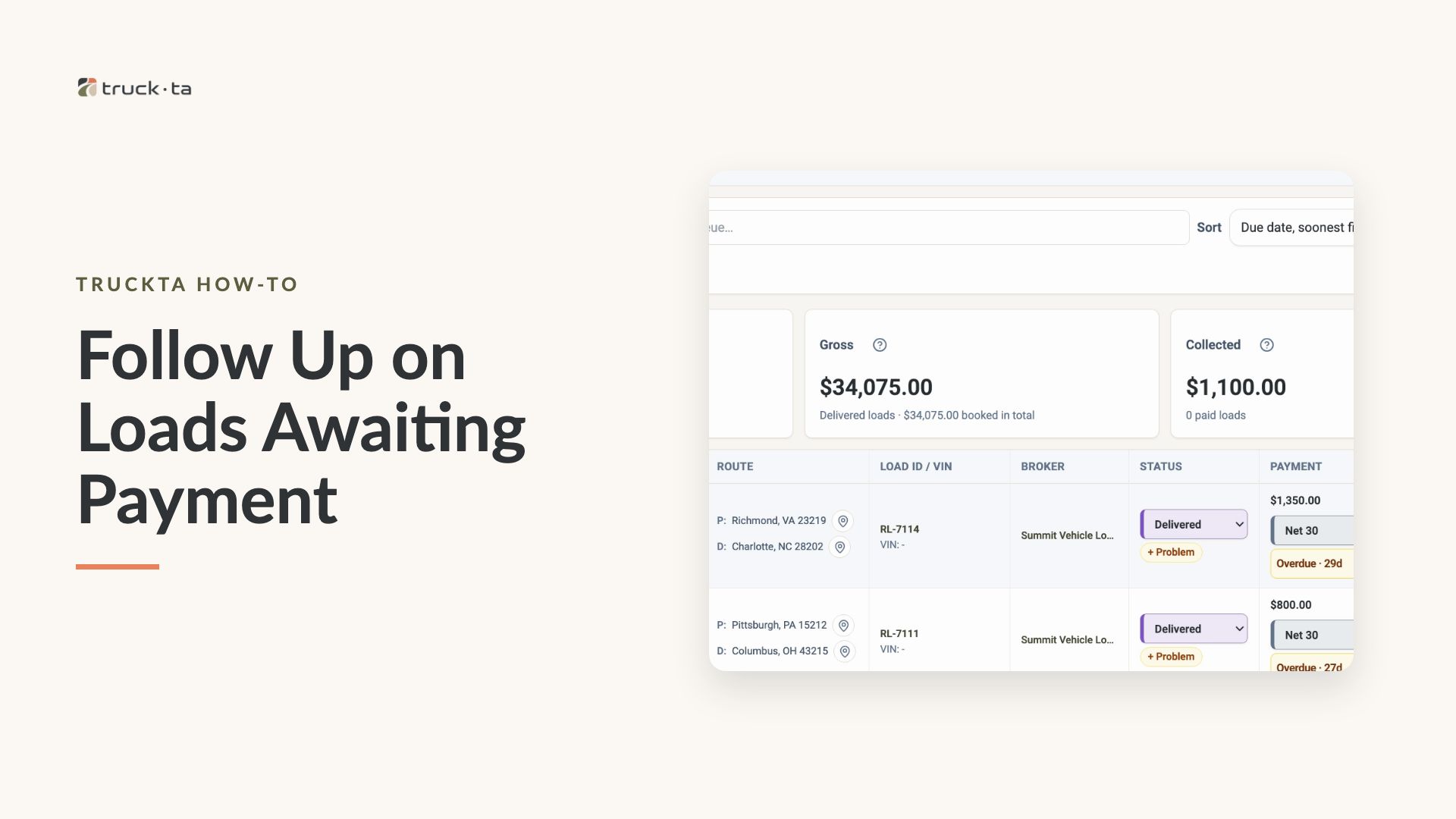
Next, look at the Payment column for a load's amount, payment terms, and invoice due date. Above the list, the Outstanding card adds up what you're still owed. The tab count and the card answer different questions: how many loads, and how much money.
For now, use the card to see the total and the rows to inspect individual freight loads. If you're also preparing an owner review, a related resource is Fleet Management Monthly Report Template for Carrier Owners.
Find late payments
Sort by the earliest due date
Open Sort and choose Due date, soonest first. The oldest due dates move to the top. Now you can start with the freight loads whose invoice dates need attention instead of working through the list without a payment priority.
Look for the yellow Overdue mark. It means the due date has passed, and its number shows how many days late the payment is. Those are the brokers to call first, using the load's amount and due date to focus your follow-up.
However, a load's presence on the list doesn't by itself mean payment is late. Check the due date and overdue indication before deciding which broker needs your attention first.
Record a payment
Enter the payment against its load
When money arrives, record it directly in Awaiting Payment. Find the load, select the three dots in its Payment column, and choose Record Payment. This opens the payment entry for that load rather than the list as a whole.
TruckTA fills in the balance that's left. Next, choose how you were paid. For a check payment, choose Check and type the check number. Keep the prefilled balance when the money received covers that remaining amount.
Then select Record Payment to finish. The load is paid, so it leaves the list. The amount received is the deciding detail here: a payment covering the remaining balance closes it out; a smaller payment needs the amount changed first.
Partial payments
Record only what arrived
If the broker sends only part of the money, open Record Payment the same way. Instead of leaving the prefilled balance unchanged, replace it with the amount you received. Then record the payment as before.
After that, the load stays on the list with a Partial mark. Its Payment column shows what's been paid and what's still left. That distinction matters when a broker has sent money but hasn't finished paying the freight invoice.
When the rest arrives, record that payment against the load. Once the remaining balance is paid, the load leaves the list. Until then, use the paid and remaining amounts to see where that individual payment stands.
Keep payment follow-up moving
Keep the closing reminders close
Check the list often, follow up on overdue loads first, and record every payment as it arrives. For a separate fleet-wide review, bookmark Fleet Management Checklist.
Try TruckTA by opening Awaiting Payment and sorting your freight loads by due date, soonest first. Start with the overdue rows to put this follow-up workflow into practice.
Frequently asked questions
Should I record a payment when a broker promises to send it?
Record the payment when the money arrives, not when the broker promises it. Enter the amount you actually received.
Does an outstanding balance mean every listed invoice is overdue?
No. Outstanding is the total still owed. Use each load's due date and yellow Overdue mark to distinguish unpaid freight invoices from late ones.
Is this workflow for preparing or sending freight invoices?
This workflow starts after the invoice is out. Use it to review unpaid loads, prioritize broker follow-up, and record incoming payments.
Read the video transcript
The invoice is out, but the money isn't in yet. Awaiting Payment lists every load you're still waiting to be paid for, so you can chase the late ones. From the Dashboard, open Loads in the sidebar. Then choose the Awaiting Payment tab. The number on the tab shows how many loads are still waiting for payment. Each row is one load. The Payment column shows the amount, the payment terms, and when the invoice is due. Above the list, the Outstanding card adds up what you're still owed. Start with the loads that are late. Open Sort, and choose Due date, soonest first. The oldest due dates move to the top of the list. A yellow Overdue mark means the due date has passed. The number shows how many days late it is. Those are the brokers to call first. When a payment comes in, record it right here. Select the three dots in the Payment column, then choose Record Payment. TruckTA fills in the balance that's left. Choose how you were paid, like Check, and type the check number. Then select Record Payment. The load is paid, so it leaves the list. Only part of the money arrived? Open Record Payment the same way. Change the amount to what you received, and record it as before. The load stays on the list, marked Partial. The Payment column shows what's been paid and what's still left. When the rest comes in, record it, and the load leaves the list. Check Awaiting Payment often. Follow up on the overdue loads first. And record every payment as it arrives. That way, you always know who still owes you.
Put it into practice
Keep your operation moving with TruckTA.
More ways to use TruckTA
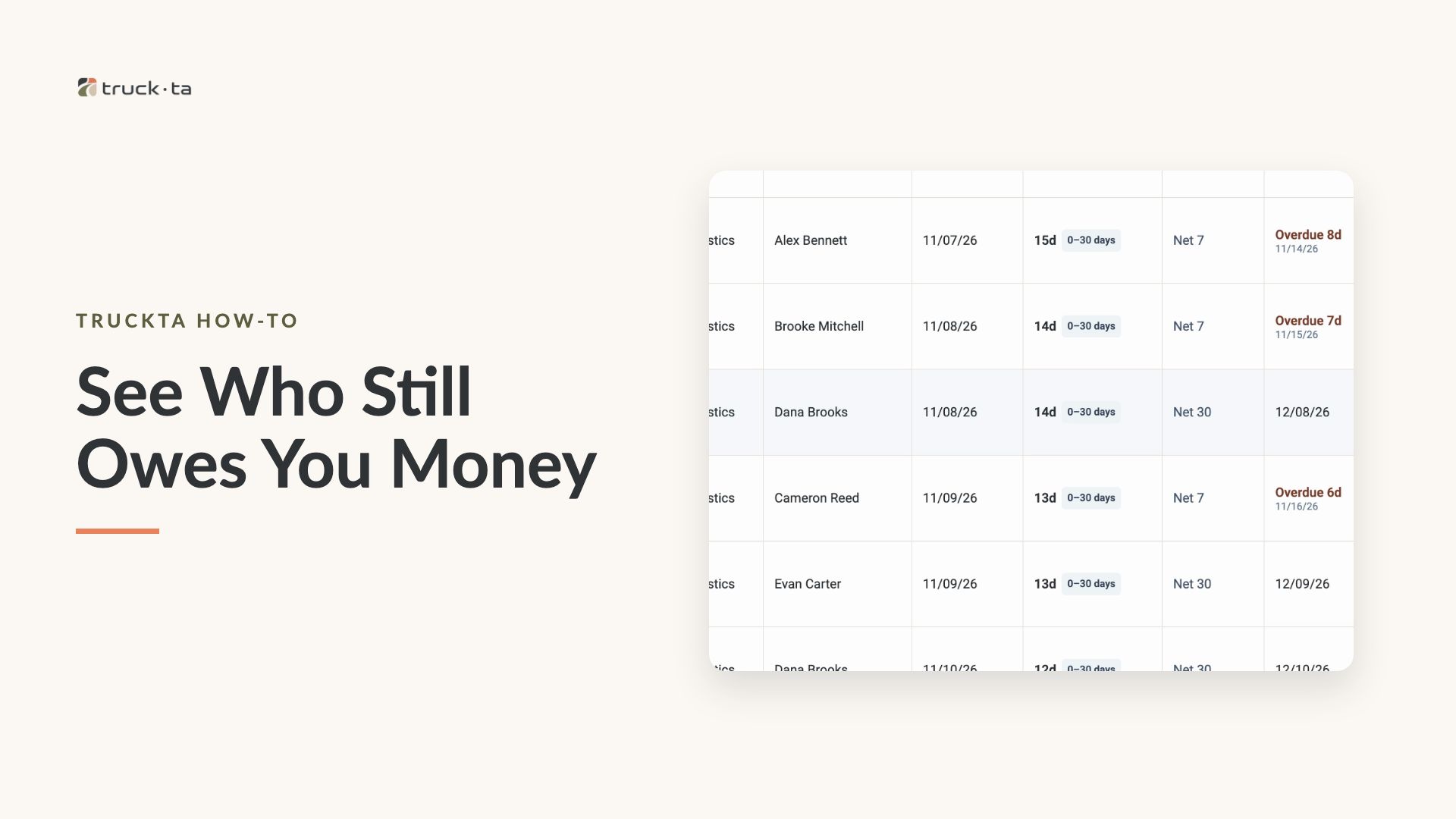
See Who Still Owes You Money
Find unpaid delivered loads in TruckTA, separate aging from overdue balances, identify who needs a call, and record a broker payment when it arrives.
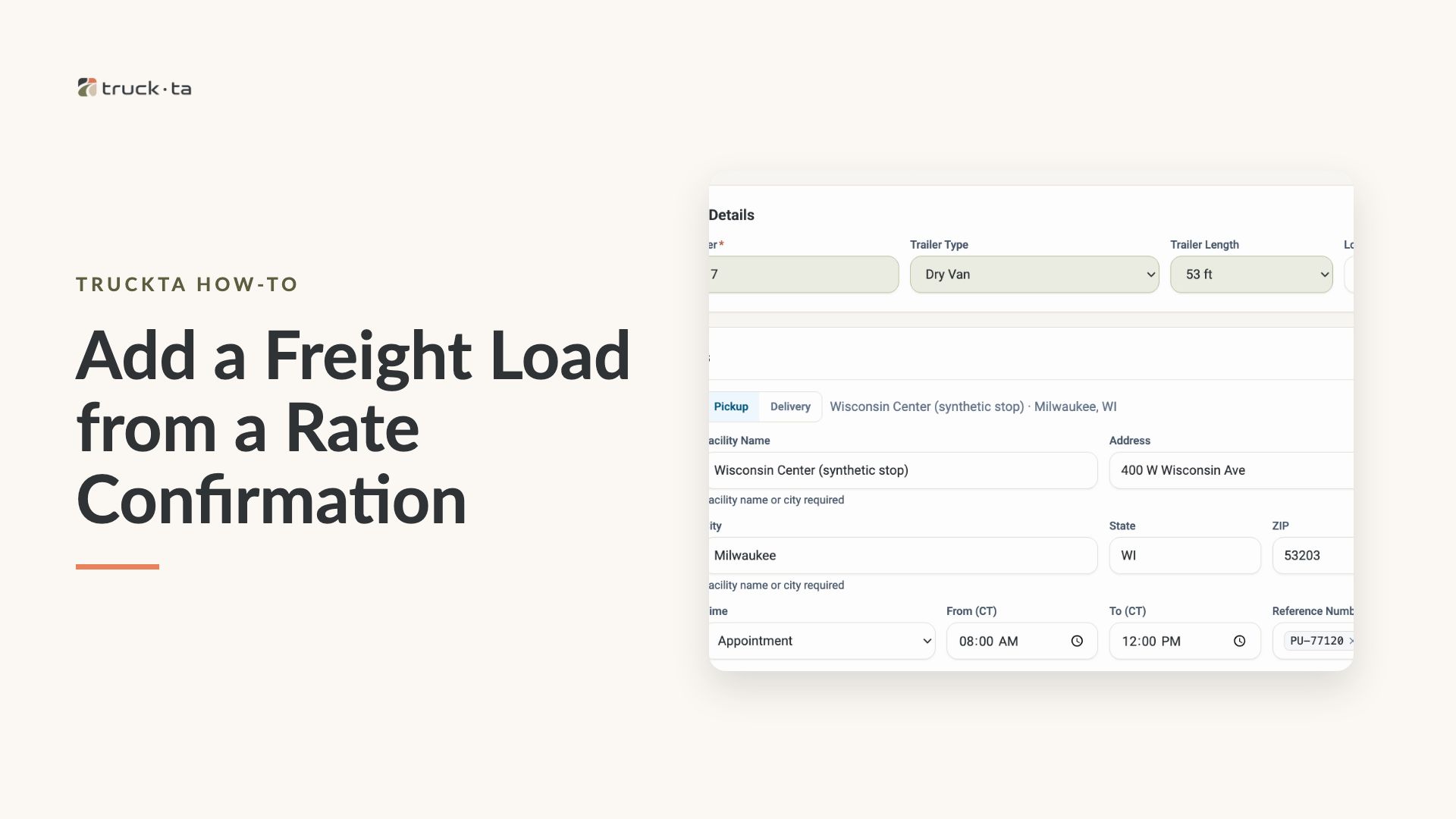
Add a Freight Load from a Rate Confirmation
Use your broker's PDF or photo to fill a freight load in TruckTA, check the highlighted fields, assign the driver, and confirm the dates.
Follow Up on Loads Awaiting Payment
See which loads still need payment, bring overdue invoices to the top, and record full or partial payments in TruckTA.