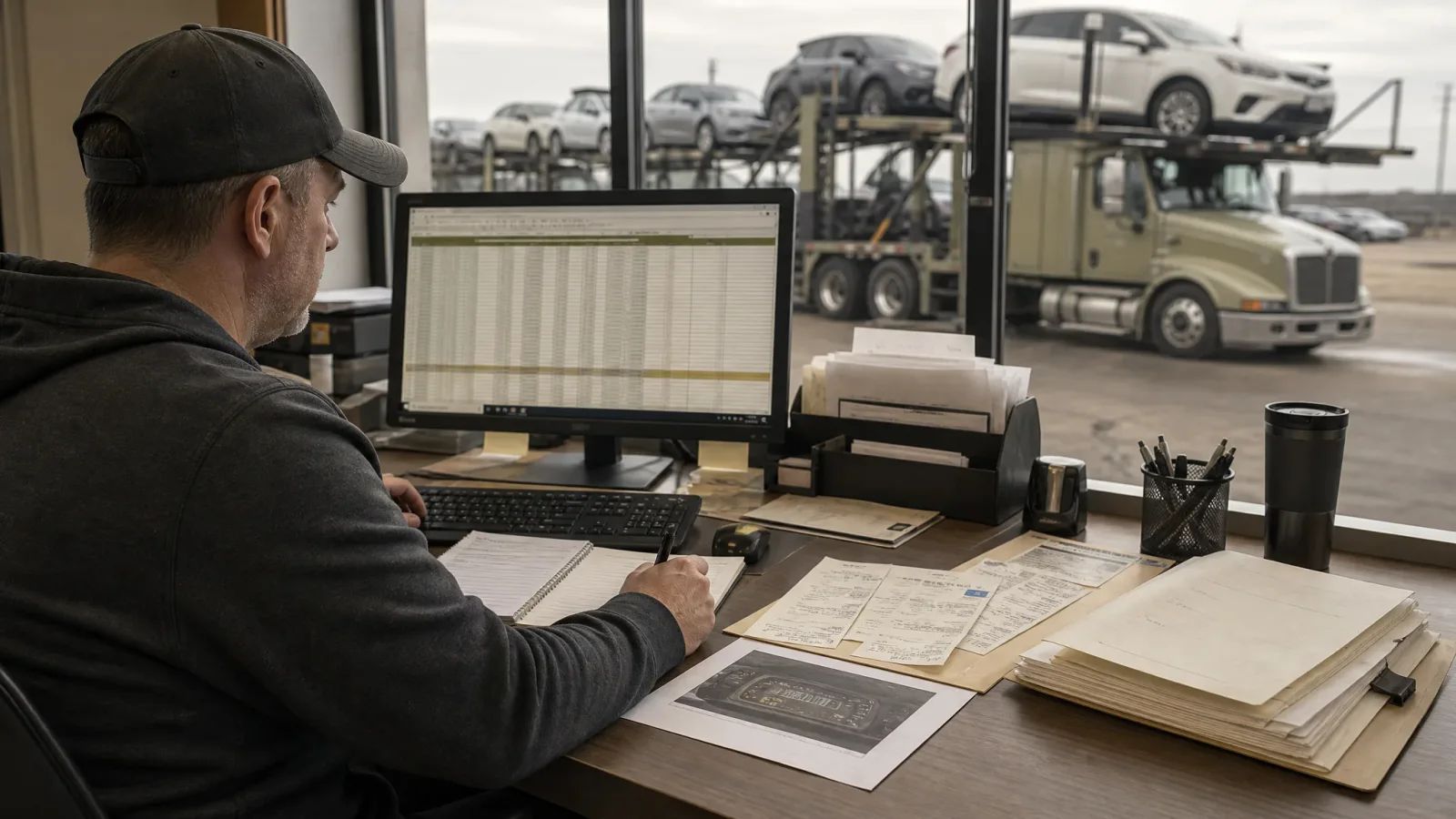
Car-Hauling Recordkeeping Checklist: Records to Build Before Your First Move
Use this car-hauling recordkeeping checklist to separate business, customer, trip, equipment, driver, safety, insurance, registration, and tax records before accepting the first move.
By TruckTA Editorial Team · TruckTA Resources
In this article
A new car-hauling company needs more than a truck, trailer, and a load board account. It also needs a recordkeeping system that shows who owns the business, who authorized each move, what equipment was used, who operated it, what happened during the trip, and how the company billed and reported the transaction. Use this checklist to create a bounded file structure before accepting the first move. Each record should have an owner, a storage location, a date, and a clear status: pending, complete, expired, or needs review.
1. Business records
Start with a permanent business file. The U.S. Small Business Administration states that business structure affects taxes, paperwork, and personal liability, and that owners should choose a structure before registering with the state. Requirements can vary by state and structure. (sba.gov (opens in a new tab))
- ☐ Legal business name, assumed name, and any name-registration documents.
- ☐ Business structure decision and formation documents, such as articles, certificates, operating agreements, partnership agreements, bylaws, or resolutions, as applicable.
- ☐ Ownership and management information, including who can sign contracts, approve payments, and authorize loads.
- ☐ Registered-agent information, if applicable.
- ☐ Business address, mailing address, primary phone number, and company email accounts.
- ☐ Business bank-account information and a written rule separating business and personal spending.
- ☐ Startup budget, equipment-financing documents, leases, and major vendor agreements.
- ☐ Written record of the professional contacts responsible for legal, accounting, insurance, and compliance questions.
2. Customer and broker records
Build one customer or broker file for each party you expect to serve. The goal is to make the auto transport billing workflow traceable from the first inquiry through payment and dispute resolution.
- ☐ Customer, dealer, broker, or shipper legal name and contact information.
- ☐ Contract, rate confirmation, service agreement, or other written booking authorization.
- ☐ Agreed rate, accessorial charges, payment terms, cancellation terms, and instructions for rate changes.
- ☐ Pickup and delivery contacts, location details, hours, appointment requirements, and gate or yard procedures.
- ☐ Vehicle information supplied before dispatch, including year, make, model, VIN, condition, operability, keys, and special handling notes.
- ☐ Customer communications that change the route, price, appointment, vehicle condition, or delivery instructions.
- ☐ Proof of delivery, signed delivery documents, customer acknowledgments, and damage-related correspondence.
- ☐ Invoice, payment status, remittance details, credits, adjustments, and collection notes.
- ☐ A documented process for approving disputed charges before changing an invoice.
3. Trip records
Create a trip packet for every move. Use one consistent trip number across the dispatch record, vehicle documents, photos, expense records, invoice, and proof of delivery.
- ☐ Trip number, booking date, assigned driver, tractor, trailer, and planned route.
- ☐ Rate confirmation or customer authorization attached to the trip record.
- ☐ Pickup and delivery appointment dates, times, contacts, and location instructions.
- ☐ Vehicle list with VIN or other identifying information, position on the trailer, operability, keys, and special instructions.
- ☐ Pickup inspection record, photographs, exceptions, and signatures or electronic acknowledgments.
- ☐ Delivery inspection record, photographs, exceptions, signatures, and customer notification of any issue.
- ☐ Fuel, toll, parking, repair, detention, storage, wash, scale, and other trip-related receipts.
- ☐ Delay, breakdown, weather, accident, rejected-load, and reconsignment notes.
- ☐ Final trip-cost review comparing expected revenue with actual expenses before closing the file.
4. Equipment records
Keep a separate file for every tractor, trailer, dolly, winch, strap, chain, ramp, and other critical item. A simple asset number can connect inspection, maintenance, and repair documents to the correct equipment.
- ☐ Purchase, lease, finance, title, and ownership documents.
- ☐ Vehicle identification information, registration documents, and renewal dates.
- ☐ Manufacturer manuals, specifications, warranty information, and approved repair contacts.
- ☐ Preventive-maintenance schedule and completed maintenance records.
- ☐ Pre-trip, post-trip, periodic, and defect-inspection records used by the company.
- ☐ Tire, brake, lighting, tie-down, ramp, winch, and load-securement inspection records.
- ☐ Repair orders, parts invoices, downtime notes, and return-to-service approval.
- ☐ Equipment assignment history showing which driver or trip used the asset.
- ☐ Out-of-service, sold, transferred, or retired status records.
5. Driver records
Maintain a restricted driver file with access limited to people who need the information for hiring, dispatch, safety, payroll, or compliance administration. Confirm the current requirements that apply to your operation before placing a driver behind the wheel.
- ☐ Application, contact information, emergency contact, and employment or contractor agreement.
- ☐ License information, endorsements, restrictions, expiration date, and required qualification documents.
- ☐ Training, orientation, load-securement instruction, equipment familiarization, and acknowledgment records.
- ☐ Driver assignment history and company-issued equipment or property.
- ☐ Hours, trip, inspection, incident, and disciplinary records maintained under the company’s applicable procedures.
- ☐ Payroll, settlement, or contractor-payment records kept separately from operational notes when appropriate.
- ☐ Driver-reported defects, delays, injuries, accidents, customer complaints, and corrective actions.
6. Safety records
A safety file should make it possible to reconstruct what the company knew, what it instructed, and what action it took. Do not treat safety documentation as a folder created only after an incident.
- ☐ Written safety responsibilities for owners, dispatchers, drivers, and maintenance personnel.
- ☐ Driver and equipment inspection procedures.
- ☐ Load-securement procedures specific to the company’s vehicles and trailer configuration.
- ☐ Incident, accident, cargo-damage, theft, injury, and near-miss reports.
- ☐ Investigation notes, photographs, witness information, corrective actions, and closure dates.
- ☐ Training calendar, attendance records, refresher assignments, and policy acknowledgments.
- ☐ Emergency contacts and escalation procedures for breakdowns, crashes, cargo damage, and customer disputes.
- ☐ Periodic management review documenting open safety issues and assigned owners.
7. Insurance records
Keep insurance records current and easy to retrieve. Match the policy information to the actual equipment, drivers, cargo, operating territory, and services the company provides. FMCSA identifies insurance requirements as part of the registration process, but the applicable requirements should be confirmed for the company’s specific operation. (fmcsa.dot.gov (opens in a new tab))
- ☐ Policies, declarations pages, endorsements, exclusions, deductibles, and certificates of insurance.
- ☐ Agent, broker, adjuster, and after-hours claims contacts.
- ☐ Vehicle and trailer schedules matched to current equipment.
- ☐ Driver lists and approved-driver documentation required by the insurer.
- ☐ Cargo, liability, physical-damage, workers’ compensation, or other coverage records applicable to the business.
- ☐ Renewal dates, premium invoices, payment confirmations, and cancellation notices.
- ☐ Claim files containing the incident report, photographs, correspondence, estimates, settlement documents, and closure status.
8. Registration records
The FMCSA says companies may have both safety-registration and commercial operating-authority requirements. Companies subject to safety requirements are required to obtain a USDOT Number, and the registration process requires the business to identify its type of operation. FMCSA also directs carriers to determine state notification or registration requirements and maintain or update registration information. (fmcsa.dot.gov (opens in a new tab))
- ☐ FMCSA registration profile, USDOT Number, operating-authority information, and application confirmations, as applicable.
- ☐ State and local registration, permits, notifications, and renewal records identified for the company’s operation.
- ☐ Process for reviewing changes to ownership, address, operation type, equipment, insurance, and authority information.
- ☐ Copies of filings, payment confirmations, official notices, and correspondence with registration agencies.
- ☐ Calendar reminders for renewals, updates, and required status reviews.
- ☐ Human verification that the company is authorized to perform the planned service before accepting a load.
9. Tax and accounting records
The IRS states that an EIN is generally needed for activities including hiring employees, operating a partnership or corporation, paying sales or excise taxes, and changing business structures or ownership. If a legal entity is being formed, the IRS says to form it through the state before applying for the EIN. (irs.gov (opens in a new tab))
- ☐ State formation confirmation before applying for an EIN when a legal entity is being formed.
- ☐ EIN confirmation letter and responsible-party information stored securely.
- ☐ Chart of accounts separating freight revenue, accessorial revenue, fuel, repairs, insurance, payroll, contractor settlements, equipment, interest, permits, and other expenses.
- ☐ Invoices, receipts, bank statements, credit-card statements, loan records, and payment confirmations.
- ☐ Payroll, contractor, settlement, and year-end reporting records, as applicable.
- ☐ Mileage, fuel, toll, depreciation, equipment, and trip-cost records needed by the company’s tax professional.
- ☐ Monthly reconciliation showing that bank activity, invoices, settlements, and accounting records agree.
- ☐ Written retention schedule reviewed against current IRS guidance, state requirements, and qualified professional advice. Do not assume one retention period applies to every record.
10. File controls and launch gate
Recordkeeping works only when someone owns the process. Use a consistent naming convention such as `TripNumber_RecordType_Date`, restrict sensitive folders, back up electronic files, and keep a log of missing documents. Retention periods and tax documentation should be confirmed from current official sources or qualified professionals rather than copied from a generic checklist.
- ☐ Assign a record owner for each category: business, customer, trip, equipment, driver, safety, insurance, registration, and tax.
- ☐ Confirm where the master record is stored and who can edit, approve, or delete it.
- ☐ Test retrieval by locating one complete sample trip packet from booking through payment.
- ☐ Review every open item marked pending, expired, missing, or needs review.
- ☐ Confirm the planned service, equipment, driver assignment, insurance, registration, and customer agreement all match.
- ☐ Confirm the billing workflow has a documented handoff from dispatch to invoice approval to payment follow-up.
- ☐ Confirm current official requirements and professional advice have been reviewed for the company’s location and operation.
- ☐ Obtain human sign-off from the owner or designated compliance reviewer before accepting the first move.
FAQ
How should a new carrier organize car-hauling records?
Use separate category folders and a unique trip number that links customer, vehicle, inspection, expense, invoice, and delivery records. This keeps operational records bounded and makes missing documents easier to identify.
How long should trucking business records be kept?
Do not use a universal period. Confirm retention requirements for each record type from current official sources, state requirements, insurance instructions, and a qualified tax or legal professional.
What is the final launch decision?
The final decision is a documented human review. The owner or designated reviewer should sign off only after required records are complete, current, retrievable, and consistent with the first planned move.
Editorial references
Sources checked
Requirements can change and may depend on jurisdiction, vehicle, weight, operation, and driver status. Confirm current applicability with the responsible agency or a qualified adviser.
- Get an Employer Identification NumberInternal Revenue Service · checked July 31, 2026
- Choose Your Business StructureU.S. Small Business Administration · checked July 31, 2026
Put it into practice
Keep your operation moving with TruckTA.
Bring loads, drivers, documents, payments, and settlements into one connected workspace.